

The Blog
Squarespace Tips & Client Systems for Web Designers & Service Providers
Detailed tutorials, shared client systems, pricing tips, and tool reviews for solo service providers and web designers who want less hustle &/or overwhelm.















Why you should start your shop on Squarespace 7.1
If your business will primarily make money from product sales, Squarespace probably isn’t the best e-commerce platform for you. I’d recommend using Shopify, because it just works better for that level of product sales.
If your business primarily makes money from services, but you have a shop on the side for passive income, then Squarespace should work just fine & will help you keep things organized, since you won’t need 2 platforms: 1 to sell products & 1 to sell your services. Yay!
That being the case, let’s get into the nitty gritty of why I’m now recommending 7.1 over 7.0 shops.

How to add, access & manage your files on Squarespace
Want to put a PDF on a page that people can download? Maybe you don’t know how to add your resume, or an opt-in?
Since Squarespace (oddly) doesn’t have a normal Media Library, it’s not obvious where to add these things, or once you’ve added them, ––where did they go?
I'll show ya how to upload files to your Squarespace site, where to find them & how to manage them.

How to create same-page navigation links in Squarespace
Ever wish you could just have a link to a different section on the same page? If ya click on it, it automatically scrolls to that spot for you. Fast, easy, smooth, –modern. Yeah!
This one can be a bit sneaky! It’s not hard to set up, but it’s also not obvious how.
I’ll walk you through how to set this up within a Brine template in 7.0, code free, AND in 7.1 with code, but it’s super simple & I’ll give ya the cut-and-paste code snippet so you can run with it easily.
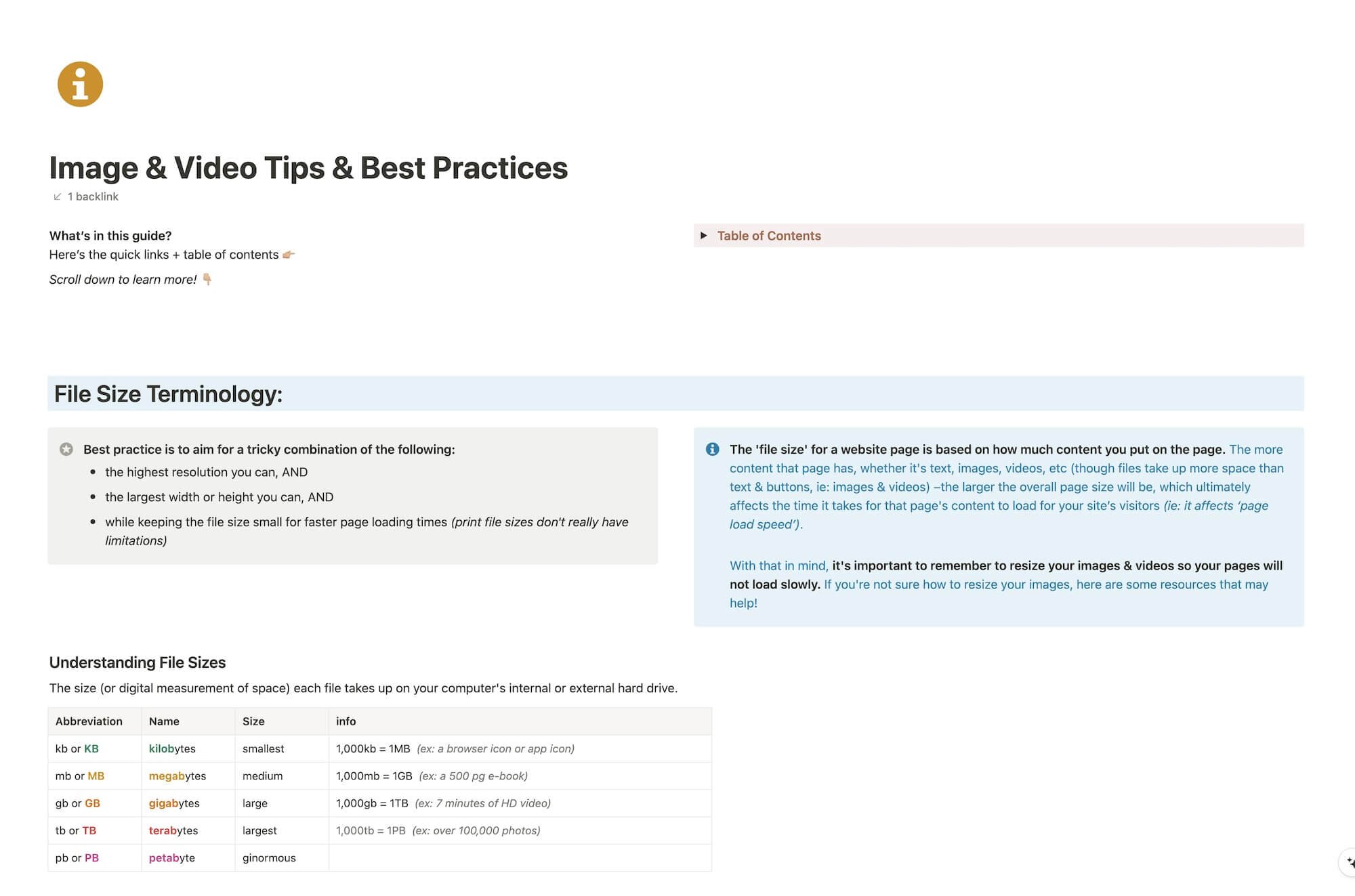
CHEATSHEET & TEMPLATES
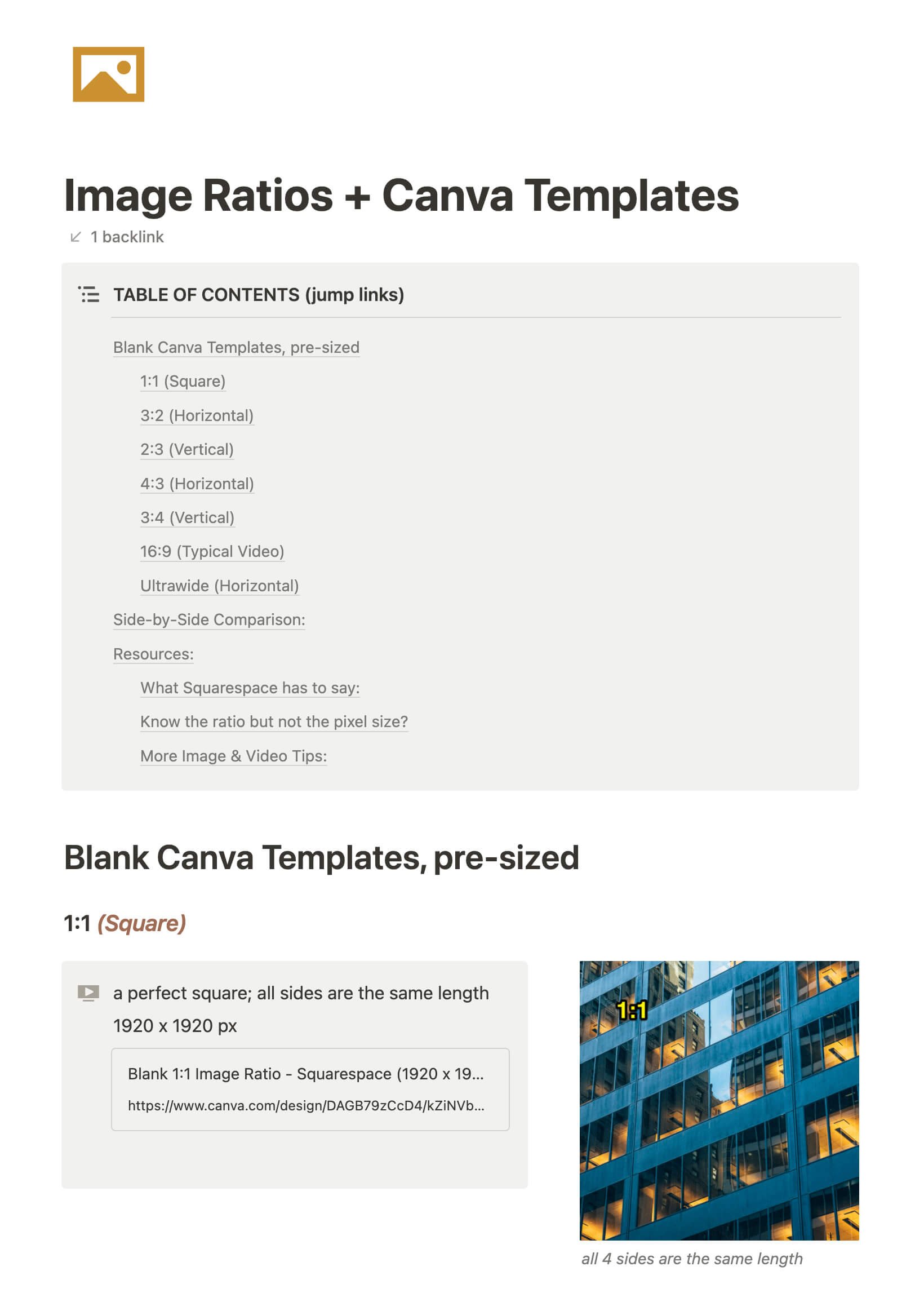
File & format terminologies & size ranges, resource lists, and pre-sized blank Canva templates for various image ratios.








Katelyn, here!
I’m the Founder, Owner, CEO, Designer & Educator at Launch the Damn Thing® and I love coffee, cursing & carefully laid plans. 😂 (Also reading, blaring loud music, and teaching, –but those didn’t fit into my nice alliteration!)

Did I just totally make your day? #goals
