

The Blog
Squarespace Tips & Client Systems for Web Designers & Service Providers
Detailed tutorials, shared client systems, pricing tips, and tool reviews for solo service providers and web designers who want less hustle &/or overwhelm.









FREE AI TOOL FOR DESIGNERS
An AI tool that helps you handle the hard messages
The Client Whisperer is a free AI writing tool trained to help you handle the messages you dread most—even the confusing ones you're not sure how to respond to—while still holding your boundaries, aaaaand not being unkind. 🥴
Works in Claude (free or paid), ChatGPT (free or paid). Step-by-step instructions are included for each!


7 apps to boost your business productivity
If you’re new to the entrepreneurial world, then you might be kiiiiinda sorta flyin’ by the seat of your pants. Yeah?
You never went to business or marketing or even design school, so you’re probably a little overwhelmed with your business.
I totally get it. When I first started, I had about 10 years of print design experience and some light freelancing experience under my belt, plus my college design education, which in no way prepared me to run a business of any magnitude. Back then freelancing just meant we agreed (verbally or written in an email) on a price, I did the work and they sent me a check. No written invoice, no contract. YIKES.
Don’t be that person! Let’s get you started with a few apps I wish I’d been using right out of the gate.

How to build your free resource library in Squarespace
My own Free Resource Library has evolved a lot since I initially set it up. It was password protected for most of that time and I never really felt right about that.
I don't know about you, but I like to see the resources before I decide to sign up & grab one; ya know? (Confession! I'm on SO MANY lists! 😂)
So I decided to open it up to everyone. That meant no more password!
But how do those freebies still work as opt-ins, if the page isn't password protected anymore?
It’s a valid question, to be sure.
I'll walk ya through how to set up your own Free Resource Library on Squarespace that will still work as opt-ins, but without the pesky password protected page.

My favorite freelancer app: Dubsado
Holy shit, you guys! When something is this good, you don't keep it to yourself; you share it!
I don't know if I've been living under a rock, or what, but I'd never heard of this company until a few months ago. I'm scratching my head now, trying to figure out what the heck took me so long to move forward!?








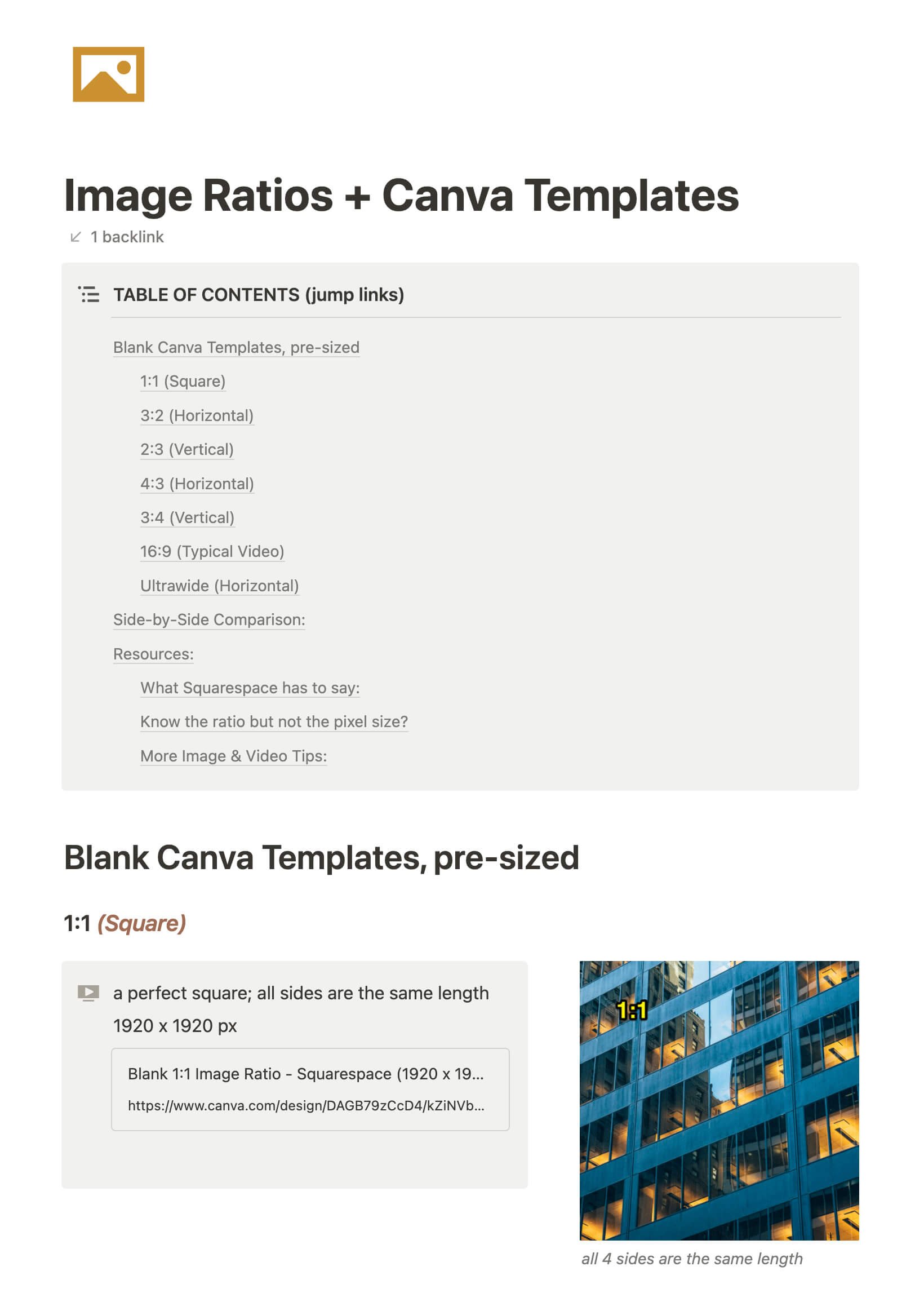
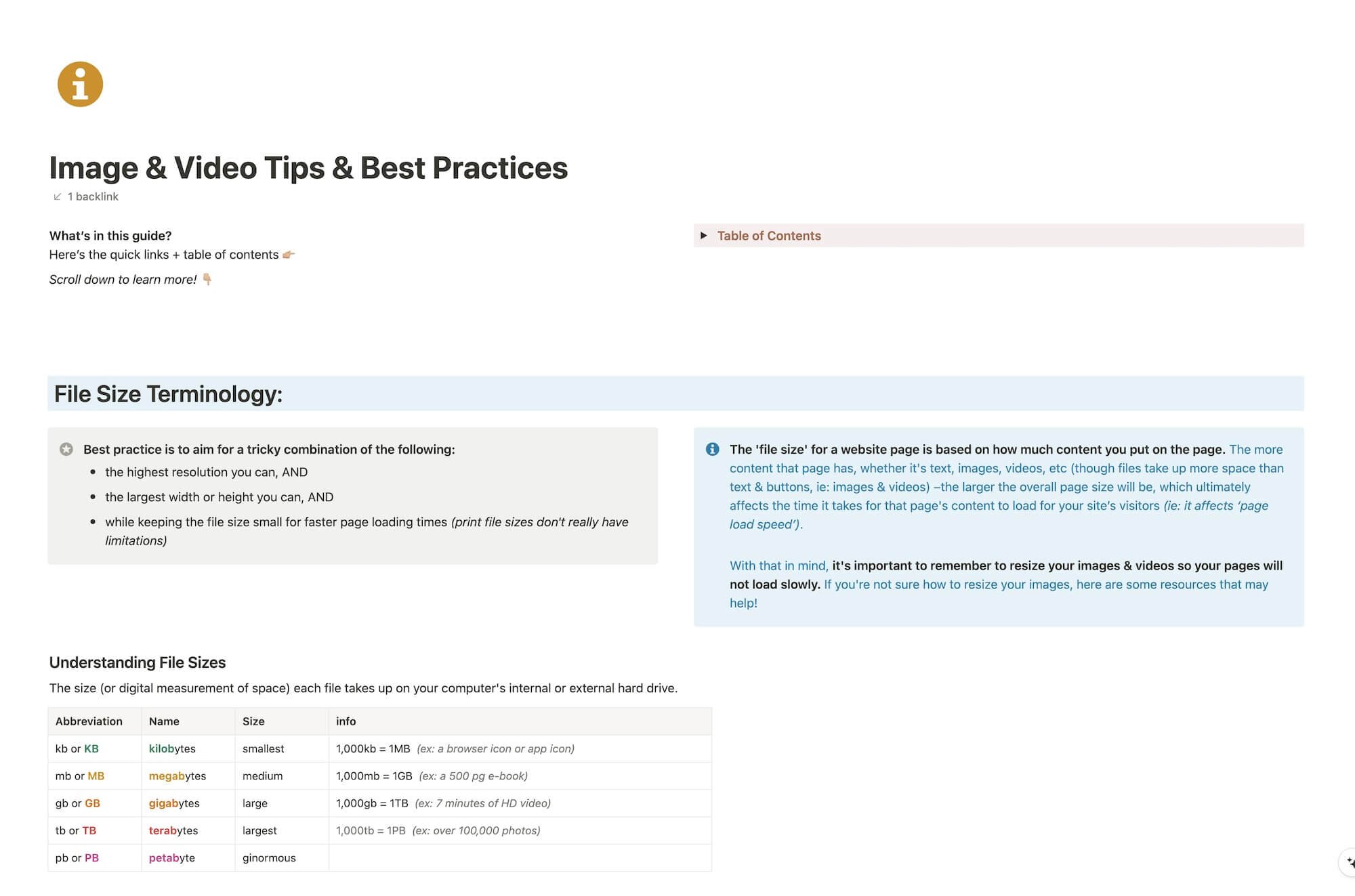
CHEATSHEET & TEMPLATES
File & format terminologies & size ranges, resource lists, and pre-sized blank Canva templates for various image ratios.
Katelyn, here!
I’m the Founder, Owner, CEO, Designer & Educator at Launch the Damn Thing® and I love coffee, cursing & carefully laid plans. 😂 (Also reading, blaring loud music, and teaching, –but those didn’t fit into my nice alliteration!)
Did I just totally make your day? #goals
