

The Blog
Squarespace Tips & Client Systems for Web Designers & Service Providers
Detailed tutorials, shared client systems, pricing tips, and tool reviews for solo service providers and web designers who want less hustle &/or overwhelm.









FREE AI TOOL FOR DESIGNERS
An AI tool that helps you handle the hard messages
The Client Whisperer is a free AI writing tool trained to help you handle the messages you dread most—even the confusing ones you're not sure how to respond to—while still holding your boundaries, aaaaand not being unkind. 🥴
Works in Claude (free or paid), ChatGPT (free or paid). Step-by-step instructions are included for each!


How to pair different fonts
Using one font throughout a document can be visually monotonous, right?
But how do you know which ones go together and which ones don't?
Do you see gorgeous font combinations other people have done, but when you make an attempt yourself, it never looks right?
Today I'm going to give you a few tips on how to pair different fonts and what not to do! Whether it's in your Powerpoint, your resume or images for social media, you can choose like a pro too.
The 'how' is simple if you understand the the basic rules of thumb used.
+ download the FREE Guide to help you Choose & Pair Fonts Like A Pro!

How to organize fonts like a Pro
Designers end up having sooooo many fonts. It really gets ridiculous!
If you have 500-1000+ fonts and you’re scrolling through them constantly searching for certain styles or that one you JUST CAN’T REMEMBER the name of… then you need my help!
It’ll take some time to get this system started, but if you do this now it will save you so much of it later on as you continue to collect them.

How to 'Unearth Your Brand'
I sent out a reader survey recently, because I wanted to know what kinds of specific things you wanted to hear from me, so I can serve you better!
Several of you mentioned that you needed help with your branding, so today I'm tackling how to figure out what you need in your business branding!
I've got an example, sample questions to ask, and of course,...
+ Don't forget to grab the free client workbook:
'Unearthing Your Brand'

3 tips for a smoother design process
These are my Top 3 Tips for a Smoother start to the Design Process (they also happen to be pet peeves, just because they tend to be such time-sucks).
I've included a FREE CHECKLIST at the end too! It lists the types of files designers work with and what file formats to send us for certain types of documents when we ask you for them during a project.
These 3 points are essentially just tips to help the design process start moving along more smoothly. It will honestly SAVE each of you (designer + client) loads of TIME, if you both can avoid doing these three things when you start each project! Okay, here we go!









CHEATSHEET & TEMPLATES
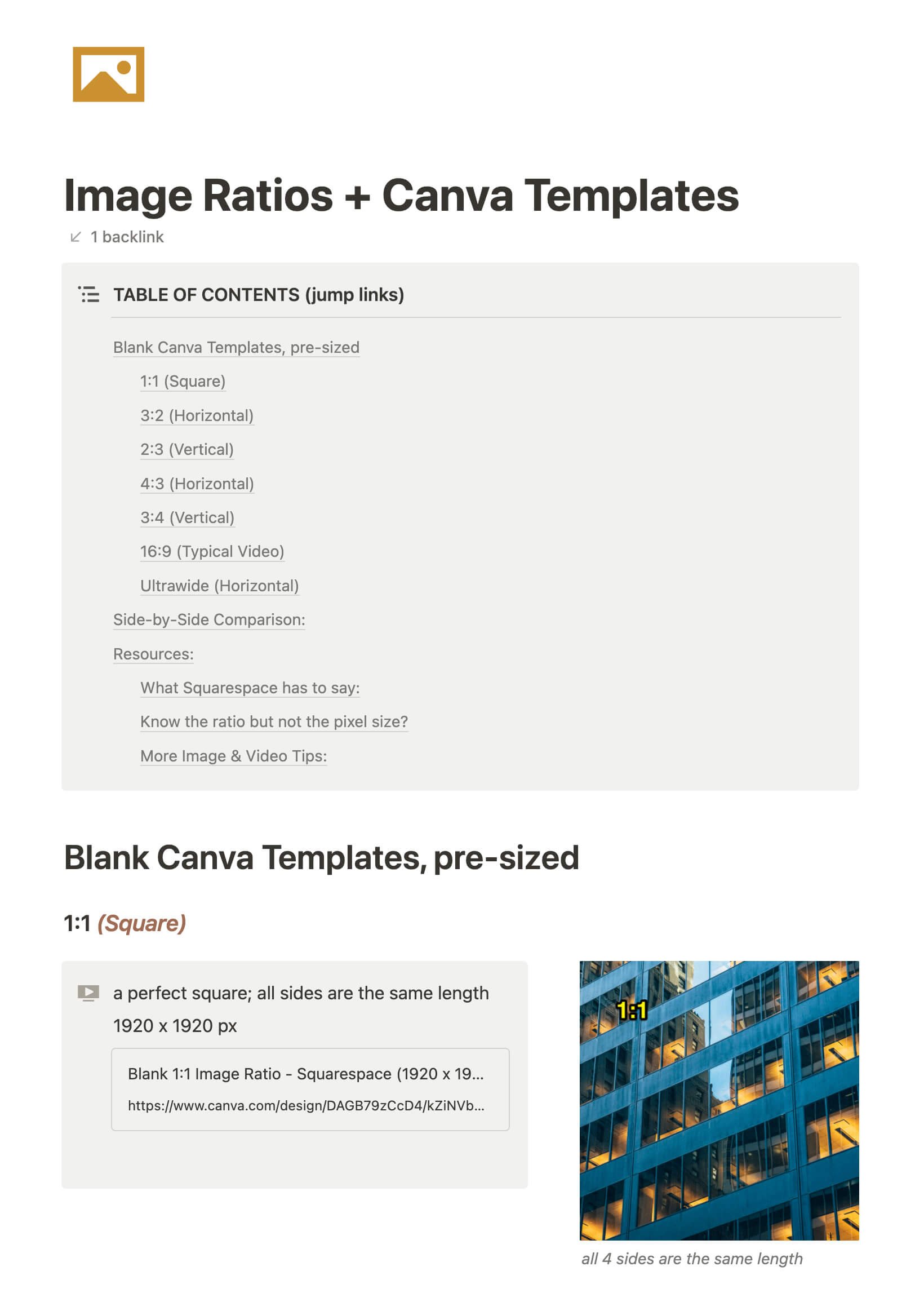
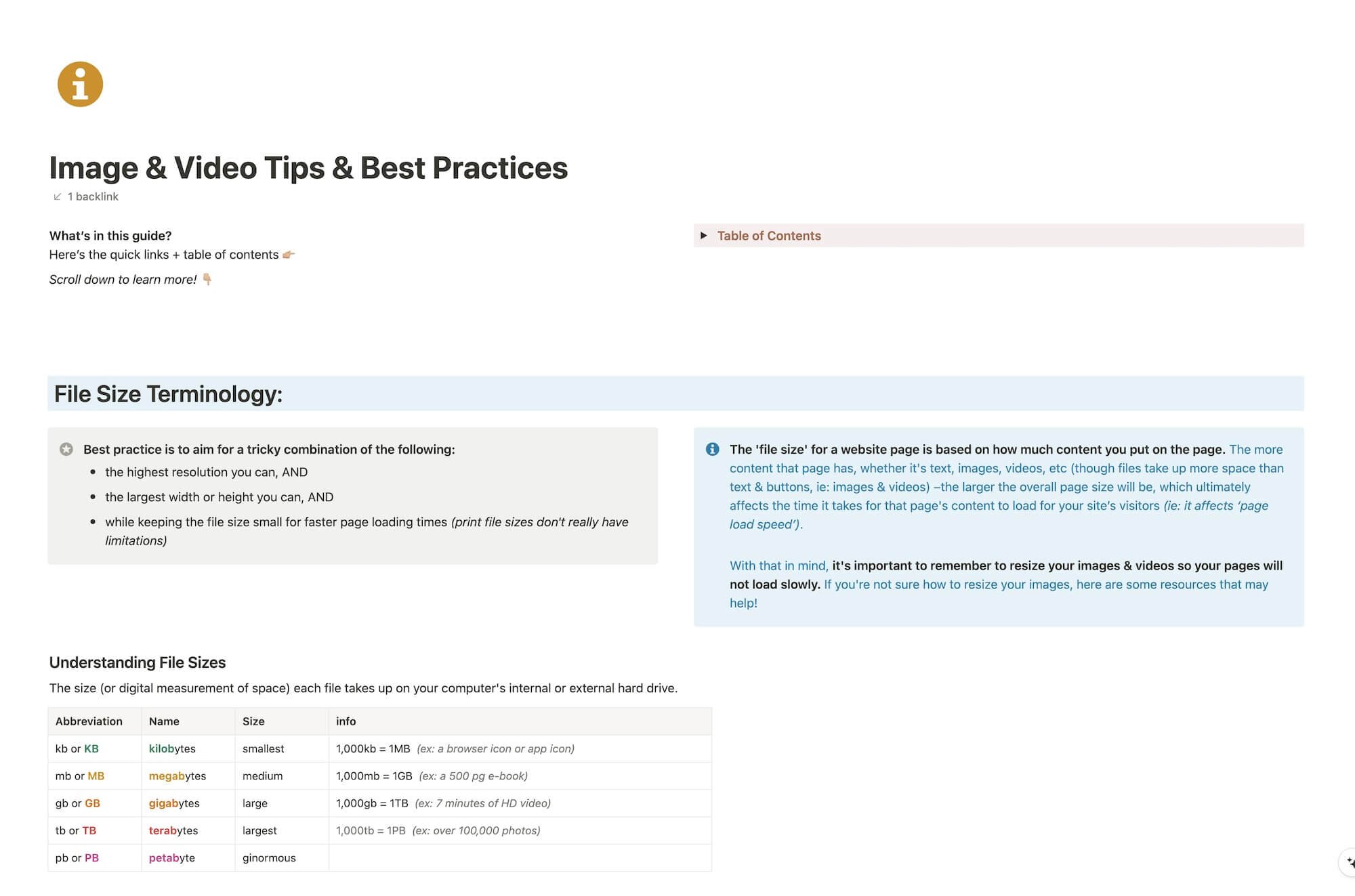
File & format terminologies & size ranges, resource lists, and pre-sized blank Canva templates for various image ratios.
Katelyn, here!
I’m the Founder, Owner, CEO, Designer & Educator at Launch the Damn Thing® and I love coffee, cursing & carefully laid plans. 😂 (Also reading, blaring loud music, and teaching, –but those didn’t fit into my nice alliteration!)

Did I just totally make your day? #goals
