The Blog
Squarespace Tips & Client Systems for Web Designers & Service Providers
Detailed tutorials, shared client systems, pricing tips, and tool reviews for solo service providers and web designers who want less hustle &/or overwhelm.

If you’ve been at this Squarespace thing long enough to feel pretty comfortable using the platform, then you might be at the point where you want to be able to do some things a little different than the template allows.
Or, maybe you’re just a “think outside the bun” kinda girl and you want to jazz it up a bit. Get it further away from the template than you otherwise could if you knew some code.
Yeah, me too. Been there, done that & I’m not a developer; I’m a designer.
And if you’re here reading this, I’m guessing you are too.
Plugins (mostly CSS) will be your new best friend, just don’t use too many at one time… it can become confusing.
I’m sharing my trusted resources for these here, so keep reading!
How to embed a popup Calendly scheduler inside a Squarespace form
How to embed a GIF on your website
How to create a smooth scroll effect for same-page navigation links
How to create slideshow banners in 7.1 (with no code or plugins)
SquareKicker has 2 new (free) keyboard shortcuts to speed up editing productivity!
Save your brand’s color swatches & find fonts faster with SquareKicker
SquareWebsites Tools Pro Extension: an overview
How to install custom fonts on Squarespace
How to style individual sections on 7.1 with SquareKicker
How to privately redesign your Squarespace website
How to add a ‘fake’ sidebar with no code + no paid plugins!
How to add a simple, lightboxed video (interactive popup)
How to create a simple, code-free pricing table
Why you should start your shop on Squarespace 7.1
If your business will primarily make money from product sales, Squarespace probably isn’t the best e-commerce platform for you. I’d recommend using Shopify, because it just works better for that level of product sales.
If your business primarily makes money from services, but you have a shop on the side for passive income, then Squarespace should work just fine & will help you keep things organized, since you won’t need 2 platforms: 1 to sell products & 1 to sell your services. Yay!
That being the case, let’s get into the nitty gritty of why I’m now recommending 7.1 over 7.0 shops.
How to create an easy, pretty email signature
CHEATSHEET & TEMPLATES
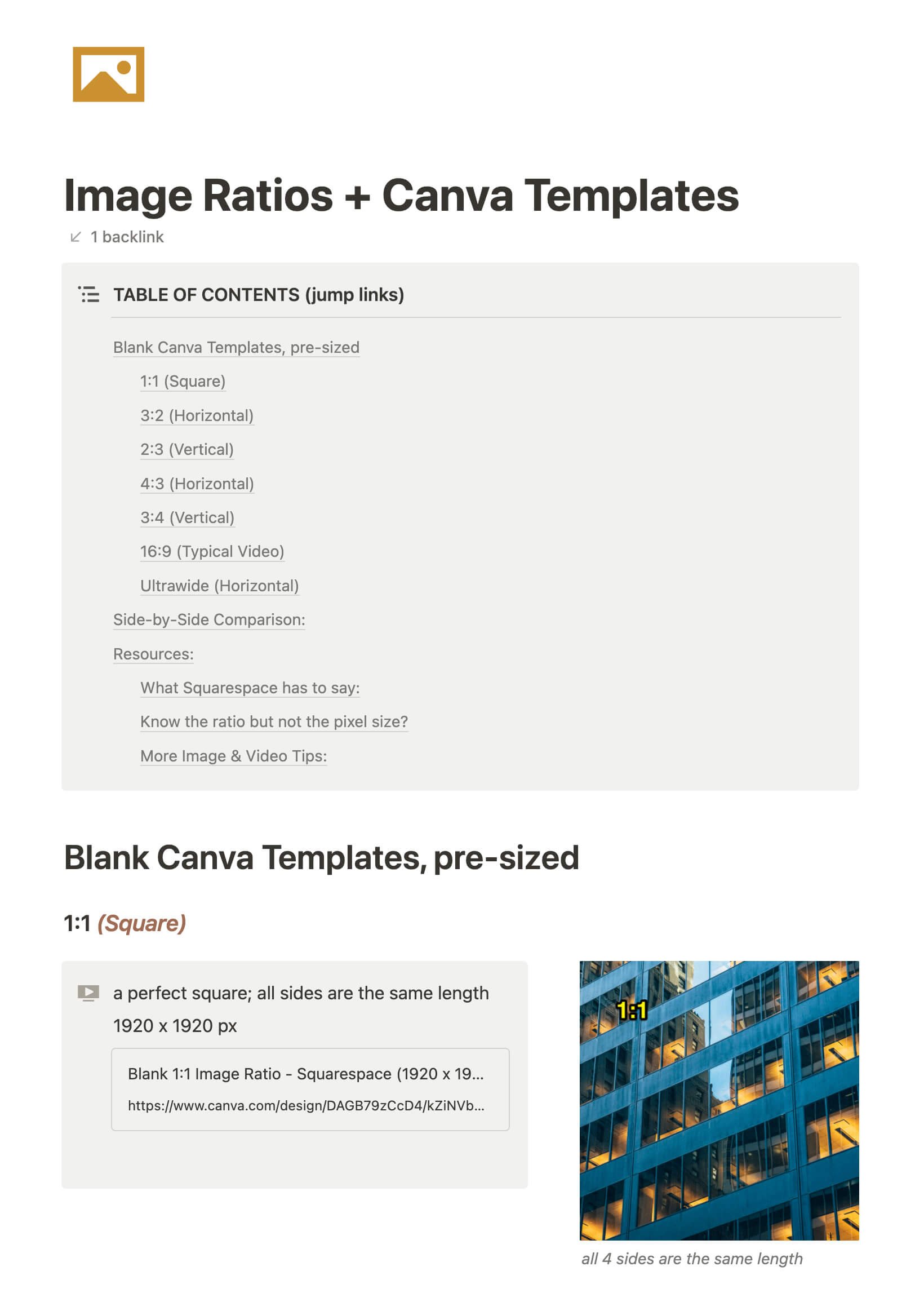
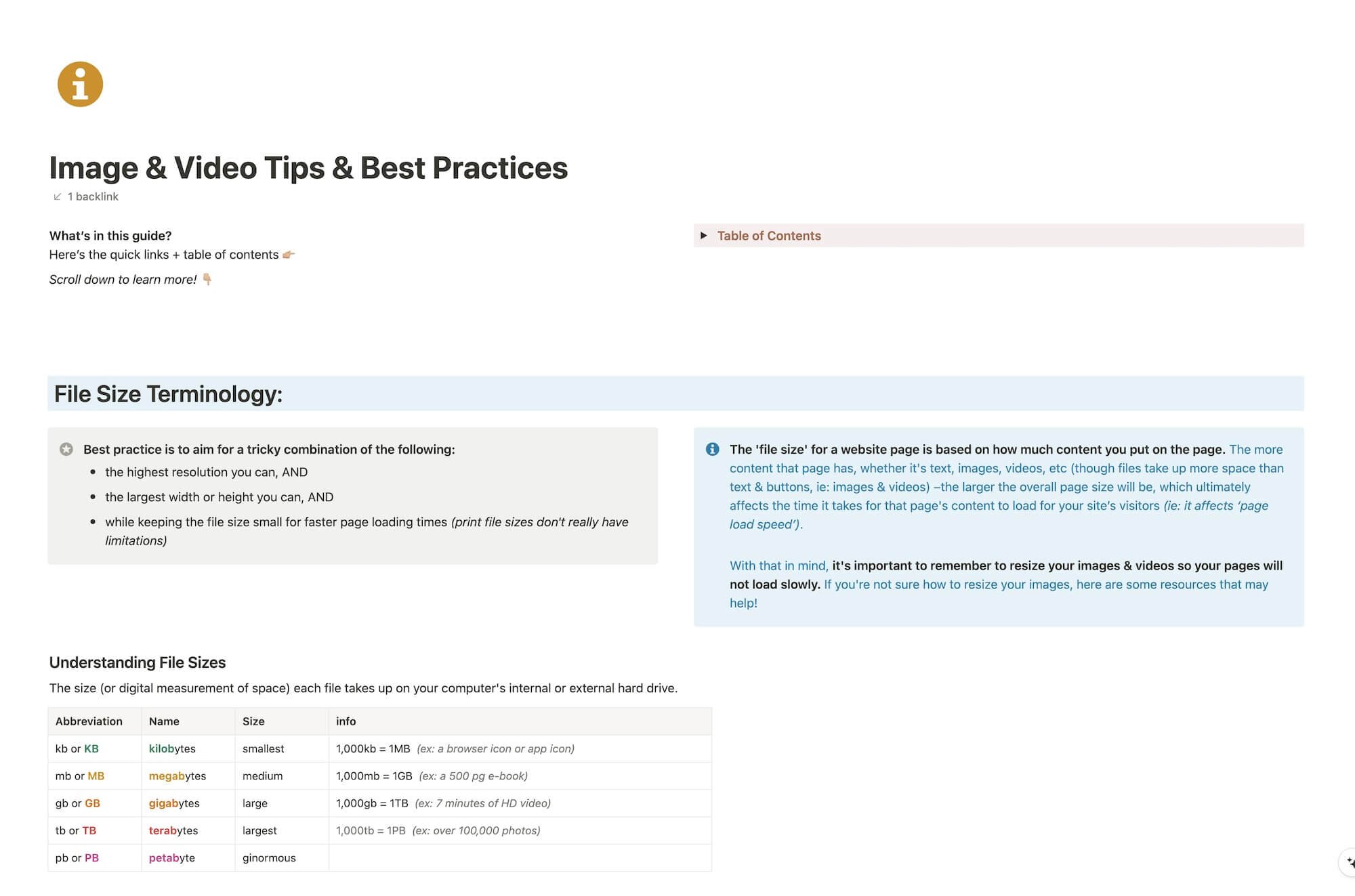
File & format terminologies & size ranges, resource lists, and pre-sized blank Canva templates for various image ratios.
Katelyn, here!
I’m the Founder, Owner, CEO, Designer & Educator at Launch the Damn Thing® and I love coffee, cursing & carefully laid plans. 😂 (Also reading, blaring loud music, and teaching, –but those didn’t fit into my nice alliteration!)

Did I just totally make your day? #goals