

The Blog
Squarespace Tips & Client Systems for Web Designers & Service Providers
Detailed tutorials, shared client systems, pricing tips, and tool reviews for solo service providers and web designers who want less hustle &/or overwhelm.










Client Relationship Management vs. Project Management tools
As a business newb (or even a business pro), you’ve probably heard other entrepreneurs tossing around phrases like “client management” or acronyms like “CRM” or “PM” and you might not have any idea what they mean.
Maybe you bought something like Dubsado or Honeybook and now you’re confused because you don’t understand why people are also using a PM/Project Management tool –and how do they integrate? Why do you need both?

Squarespace SEO: Optimizing Images
Are you frustrated with uploading large images to your website (but didn’t know there was another way)?
‘I’m pulling out my hair over here!’ 🤬
Don’t know what to name your image files?
‘Is IMG_0321-edit1.jpg is wrong?’ 😨
Think it doesn’t matter what you name your files, or how large they are?
‘Yes, no one can see the file name anyway!’ 😏
(You’re wrong about that, BTdubbs.)
Optimizing images for Squarespace SEO purposes (and the web in general) isn’t actually hard or time consuming, so this’ll be quick, with lots of screenshots!

Afraid to fail? Don’t let it stop you from getting started!
Today my advice is a little more personal. Today I want you to decide to stop letting your fear of failure get in the way of your success.
Look, I know. If you're reading this, you're probably thinking, "But I'm not afraid? I have real, legitimate struggles to overcome before I can do anything at all."
I wholeheartedly disagree, and here's why!
CHEATSHEET & TEMPLATES
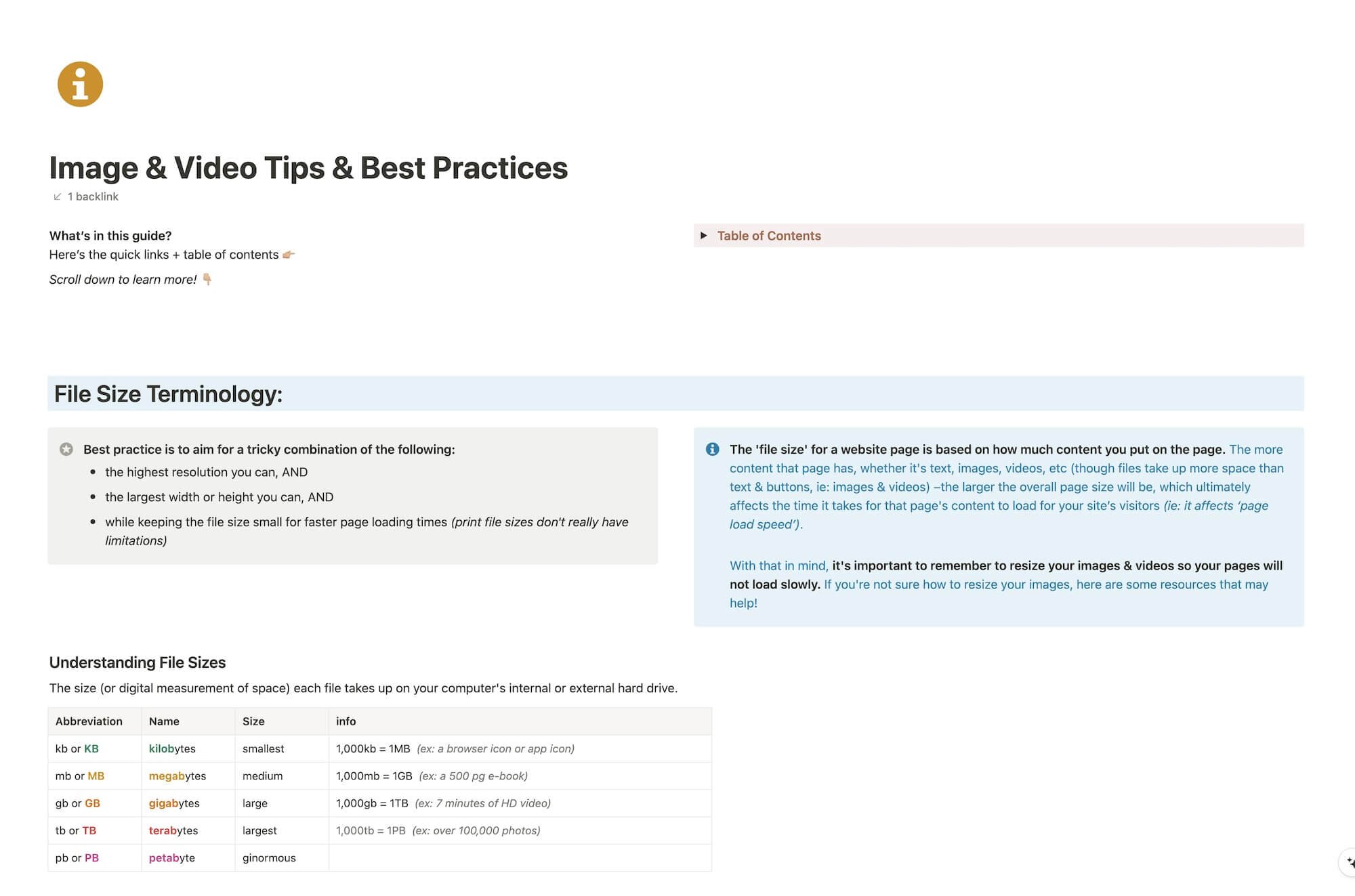
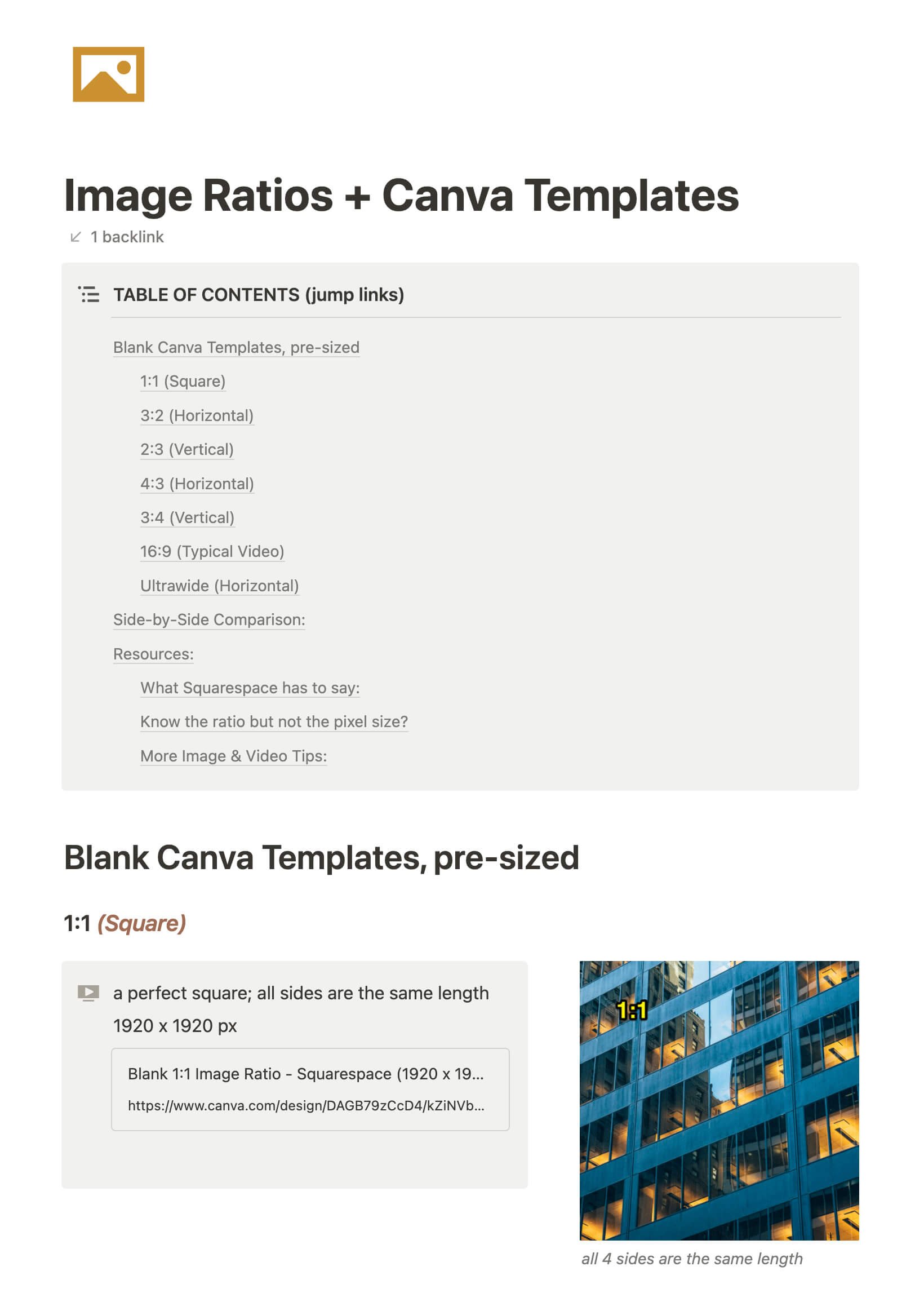
File & format terminologies & size ranges, resource lists, and pre-sized blank Canva templates for various image ratios.










Katelyn, here!
I’m the Founder, Owner, CEO, Designer & Educator at Launch the Damn Thing® and I love coffee, cursing & carefully laid plans. 😂 (Also reading, blaring loud music, and teaching, –but those didn’t fit into my nice alliteration!)

Did I just totally make your day? #goals
