

The Blog
Squarespace Tips & Client Systems for Web Designers & Service Providers
Detailed tutorials, shared client systems, pricing tips, and tool reviews for solo service providers and web designers who want less hustle &/or overwhelm.








FREE AI TOOL FOR DESIGNERS
An AI tool that helps you handle the hard messages
The Client Whisperer is a free AI writing tool trained to help you handle the messages you dread most—even the confusing ones you're not sure how to respond to—while still holding your boundaries, aaaaand not being unkind. 🥴
Works in Claude (free or paid), ChatGPT (free or paid). Step-by-step instructions are included for each!


How to optimize your Squarespace website for mobile screens
Unlike Showit and Wix, Squarespace doesn’t let you separately alter your design for mobile size screens. That’s both a great thing and an irritation, tbh.
Great because: you’re not designing anything twice; it’s all automatic.
Not great because: it’s all automatic & you have no specific control how the design reacts on mobile without custom code.
So how do Squarespace designers deal with this problem?


How to get device screenshots for digital mockups
Are you manually taking a screenshot from your tablet/phone/laptop/desktop to get these kinds of screenshots? Are you piecing together multiple pages yourself to get the full page? 🤦🏼♀️
There’s a much better way, thankfully. It’s not hard, or lengthy, or terribly complicated, so let’s walk through it.









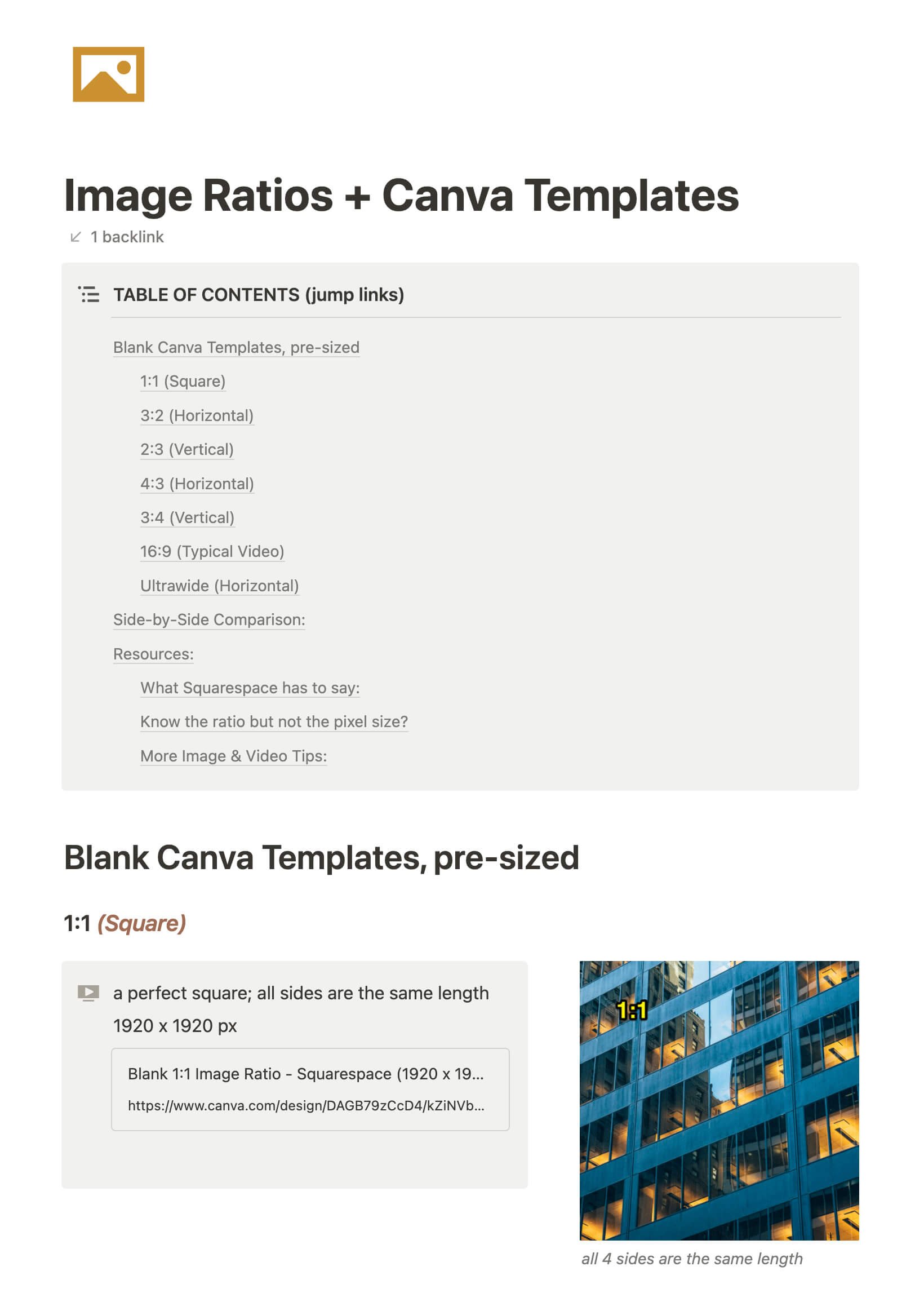
CHEATSHEET & TEMPLATES
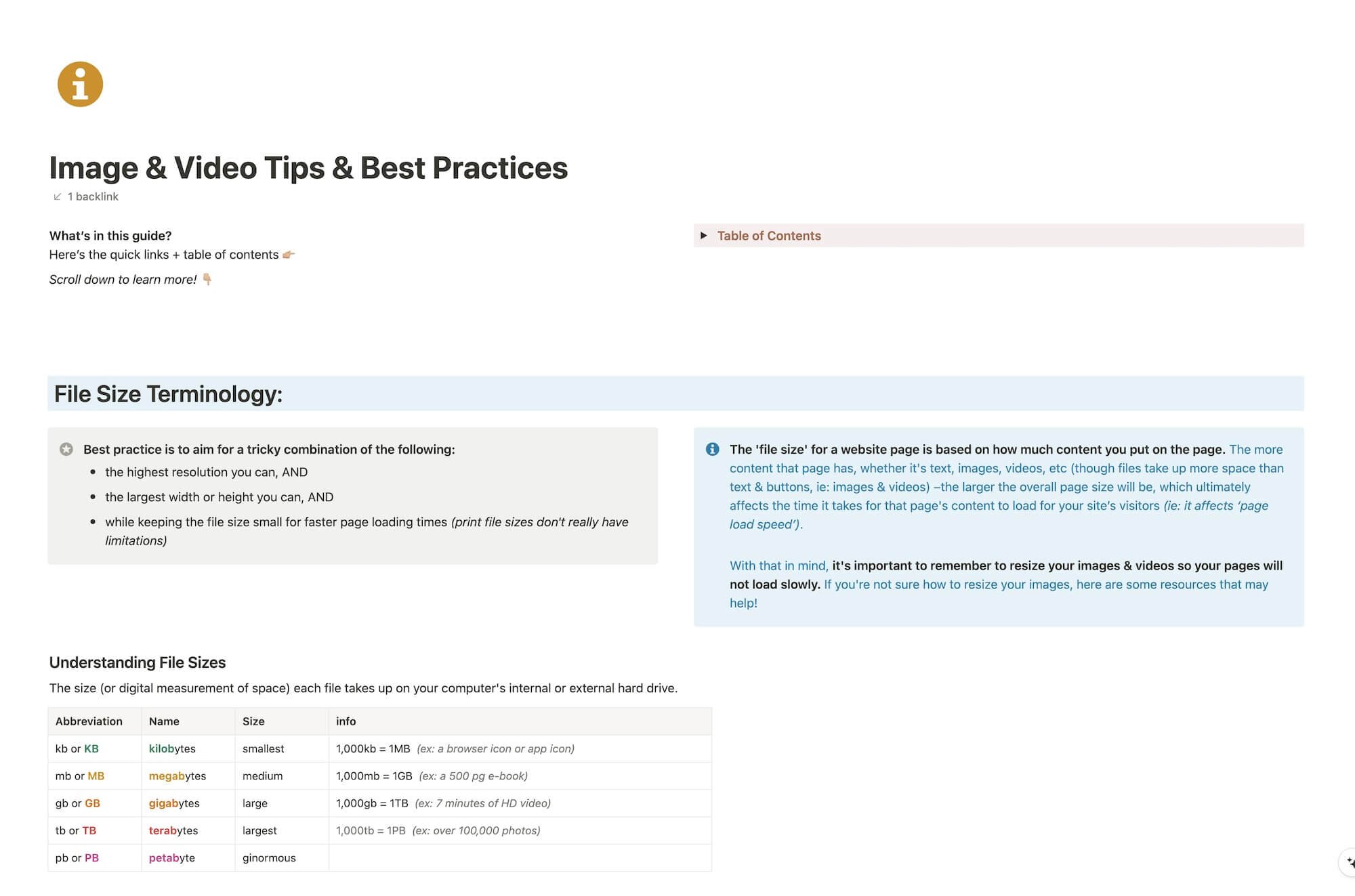
File & format terminologies & size ranges, resource lists, and pre-sized blank Canva templates for various image ratios.
Katelyn, here!
I’m the Founder, Owner, CEO, Designer & Educator at Launch the Damn Thing® and I love coffee, cursing & carefully laid plans. 😂 (Also reading, blaring loud music, and teaching, –but those didn’t fit into my nice alliteration!)

Did I just totally make your day? #goals
