

The Blog
Squarespace Tips & Client Systems for Web Designers & Service Providers
Detailed tutorials, shared client systems, pricing tips, and tool reviews for solo service providers and web designers who want less hustle &/or overwhelm.











FREE AI TOOL FOR DESIGNERS
An AI tool that helps you handle the hard messages
The Client Whisperer is a free AI writing tool trained to help you handle the messages you dread most—even the confusing ones you're not sure how to respond to—while still holding your boundaries, aaaaand not being unkind. 🥴
Works in Claude (free or paid), ChatGPT (free or paid). Step-by-step instructions are included for each!




How to organize your blog posts in Squarespace
If you’re new to blogging or want to start, but you’re not suuuper tech savvy & computers sometimes make you want to wring somebody’s neck, –then blogging on Squarespace will probably be a good fit for you.
If you’re already blogging on Squarespace, but you feel like the posts are disorganized, or you can’t figure out what should be tags or categories, then read on, ma’ friend!
I’ve had several questions about this lately, so it’s time to address it for you all! And it’s not super complicated, so don’t freak out –just jump right in!

7 apps to boost your business productivity
If you’re new to the entrepreneurial world, then you might be kiiiiinda sorta flyin’ by the seat of your pants. Yeah?
You never went to business or marketing or even design school, so you’re probably a little overwhelmed with your business.
I totally get it. When I first started, I had about 10 years of print design experience and some light freelancing experience under my belt, plus my college design education, which in no way prepared me to run a business of any magnitude. Back then freelancing just meant we agreed (verbally or written in an email) on a price, I did the work and they sent me a check. No written invoice, no contract. YIKES.
Don’t be that person! Let’s get you started with a few apps I wish I’d been using right out of the gate.

How to organize fonts like a Pro
Designers end up having sooooo many fonts. It really gets ridiculous!
If you have 500-1000+ fonts and you’re scrolling through them constantly searching for certain styles or that one you JUST CAN’T REMEMBER the name of… then you need my help!
It’ll take some time to get this system started, but if you do this now it will save you so much of it later on as you continue to collect them.












CHEATSHEET & TEMPLATES
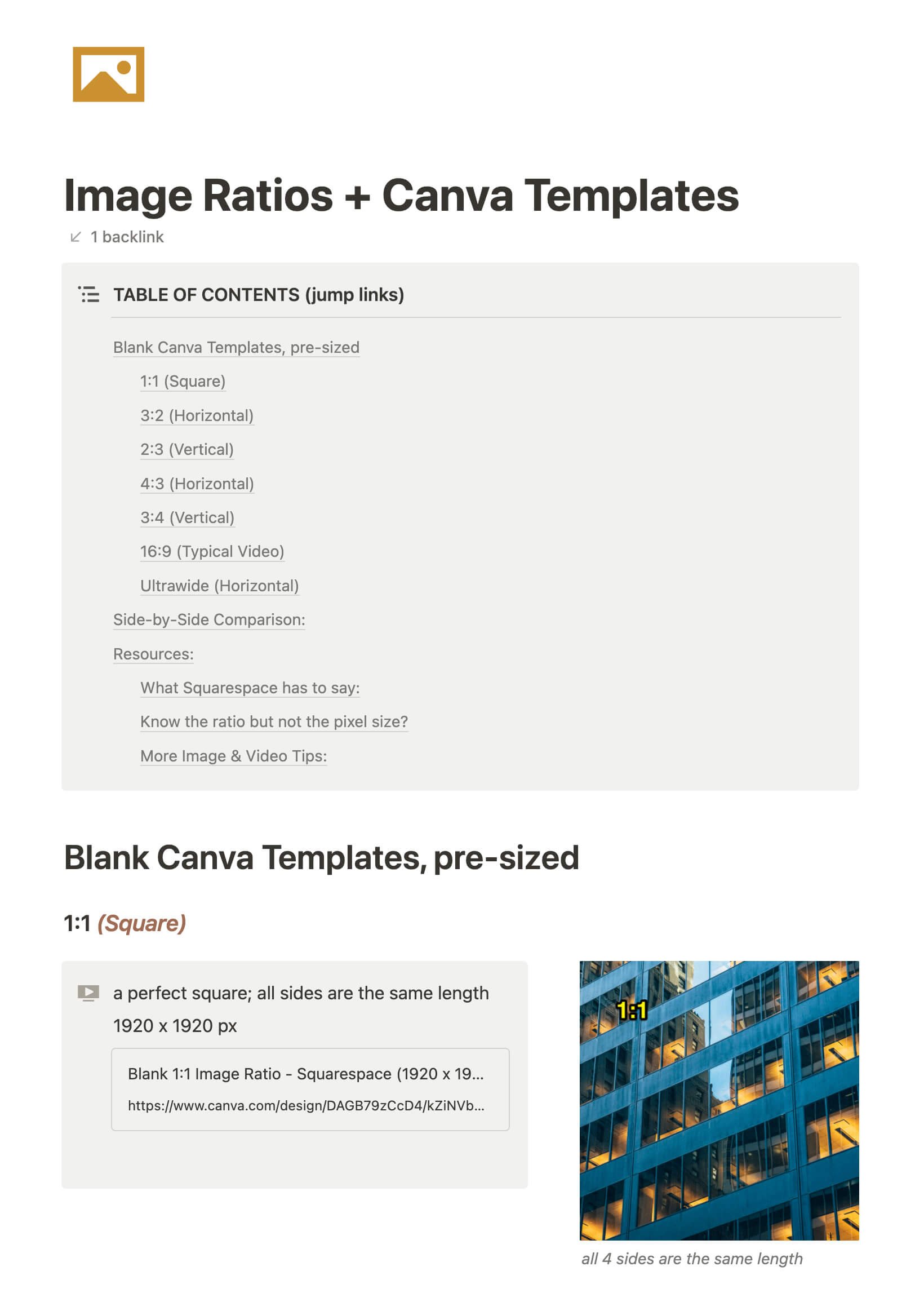
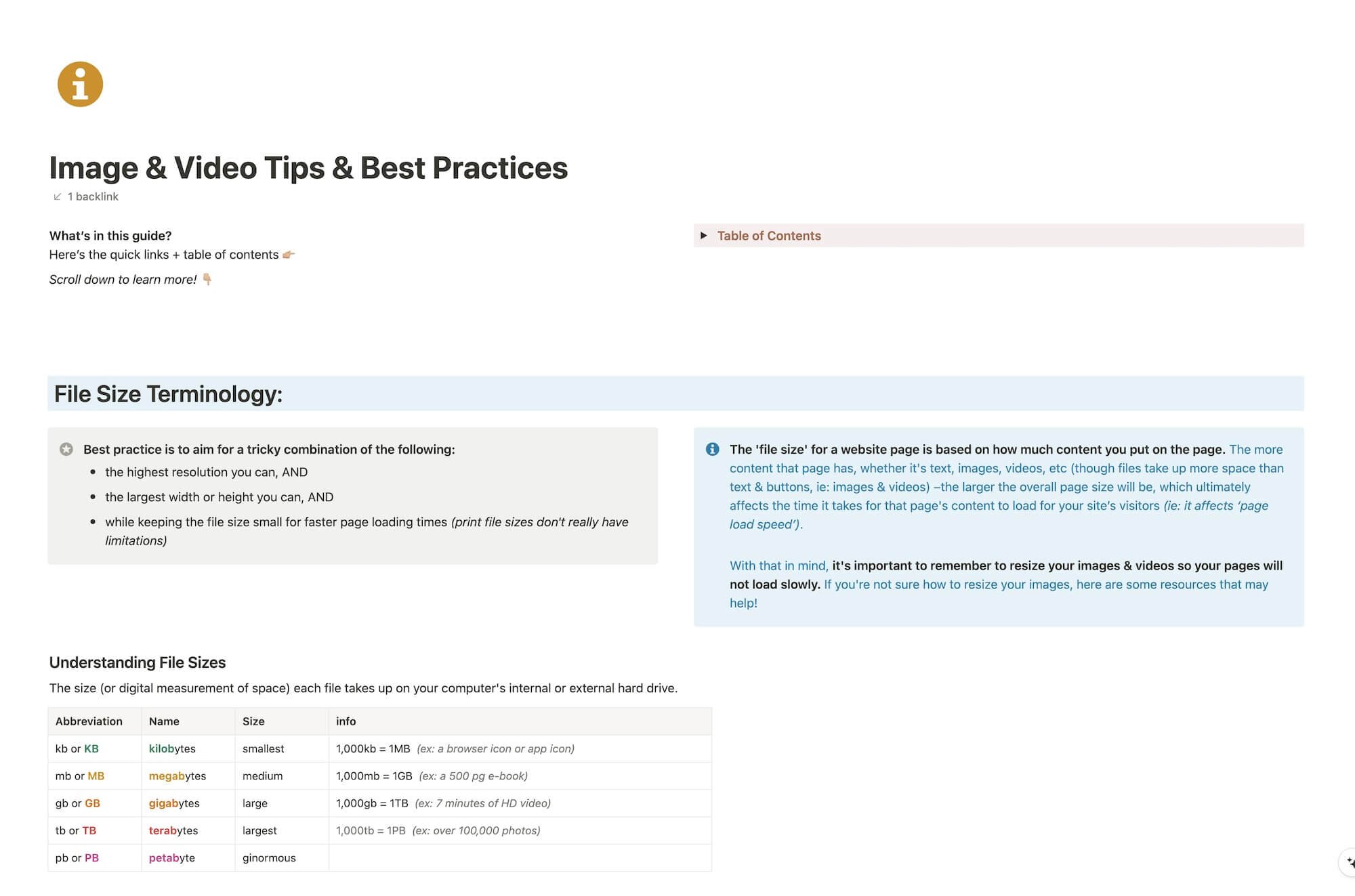
File & format terminologies & size ranges, resource lists, and pre-sized blank Canva templates for various image ratios.
Katelyn, here!
I’m the Founder, Owner, CEO, Designer & Educator at Launch the Damn Thing® and I love coffee, cursing & carefully laid plans. 😂 (Also reading, blaring loud music, and teaching, –but those didn’t fit into my nice alliteration!)

Did I just totally make your day? #goals
