

The Blog
Squarespace Tips & Client Systems for Web Designers & Service Providers
Detailed tutorials, shared client systems, pricing tips, and tool reviews for solo service providers and web designers who want less hustle &/or overwhelm.








FREE AI TOOL FOR DESIGNERS
An AI tool that helps you handle the hard messages
The Client Whisperer is a free AI writing tool trained to help you handle the messages you dread most—even the confusing ones you're not sure how to respond to—while still holding your boundaries, aaaaand not being unkind. 🥴
Works in Claude (free or paid), ChatGPT (free or paid). Step-by-step instructions are included for each!


My favorite freelancer app: Dubsado
Holy shit, you guys! When something is this good, you don't keep it to yourself; you share it!
I don't know if I've been living under a rock, or what, but I'd never heard of this company until a few months ago. I'm scratching my head now, trying to figure out what the heck took me so long to move forward!?

Invoicing, Contracts, Proposals, & Time Tracking
This is my favorite advice to share, really.
As a freelancer myself, I know we're always looking for tools that will do everything we need, all in one place, without shaving off large chunks from our profit margin as we grow and scale our businesses.
So, when I came across a podcast about this free resource where several things could be handled all in one place, for less than $20/mo, my interest was piqued. I did some research and found a few different ways to do this!

Comparing Squarespace vs. Weebly
These days a dated, cluttered or confusing website with old information and unprofessional layouts can make or break your business "cred."
SOO much of business, sales & marketing is done online now, so staying up-to-date is a must! But how? Hiring a designer to build a website can be very expensive!
There are cheaper DIY options now, but with all the different platforms out there, how do you know which one really fits your needs as a business owner? Which one will be easiest to use if you're not a designer or maybe not even very tech savvy?
Good news, my friend! I've used both the Squarespace & Weebly platform myself, so I've created a list below of Pros & Cons for each, that may help you nail down the one that's right for you.








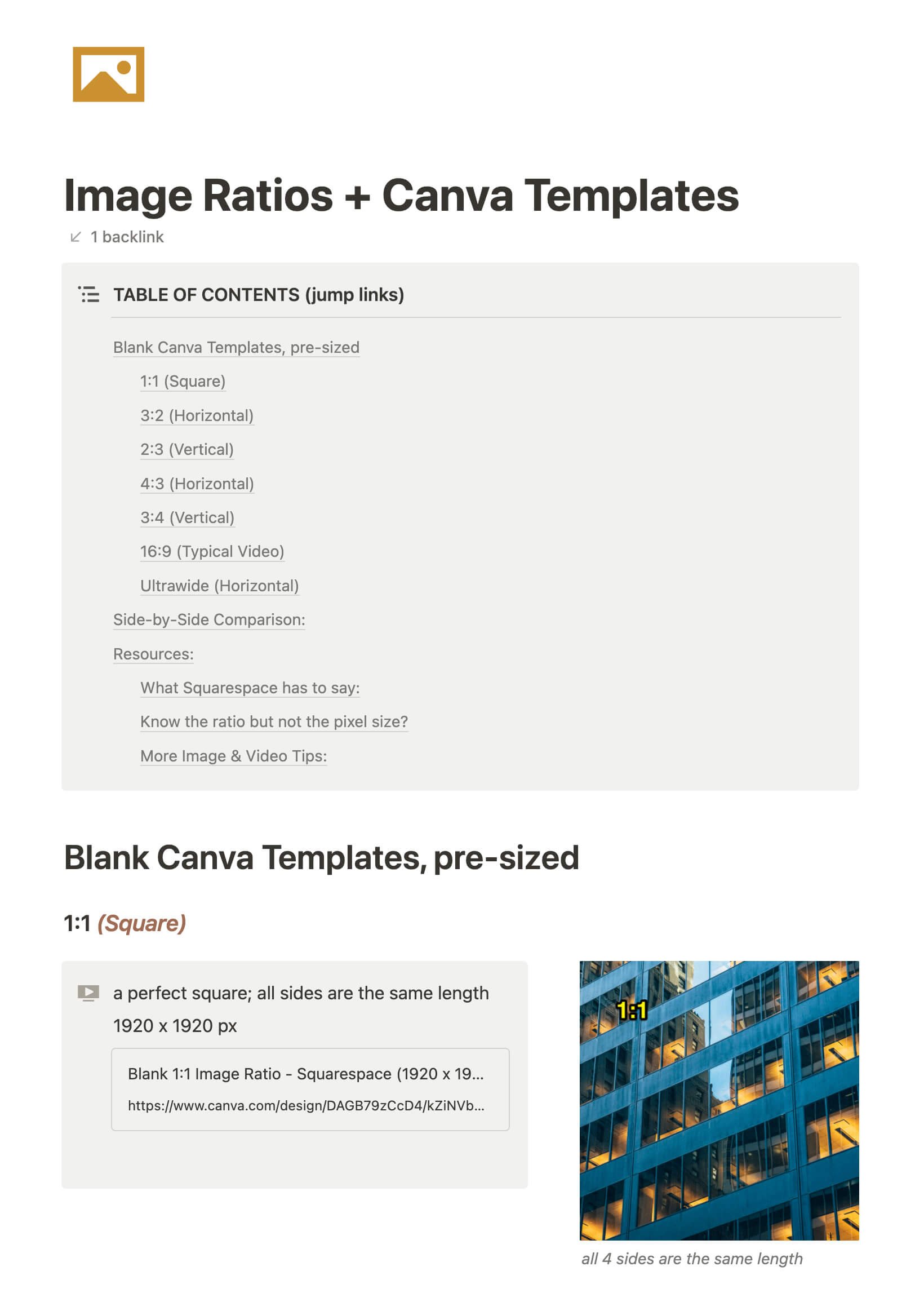
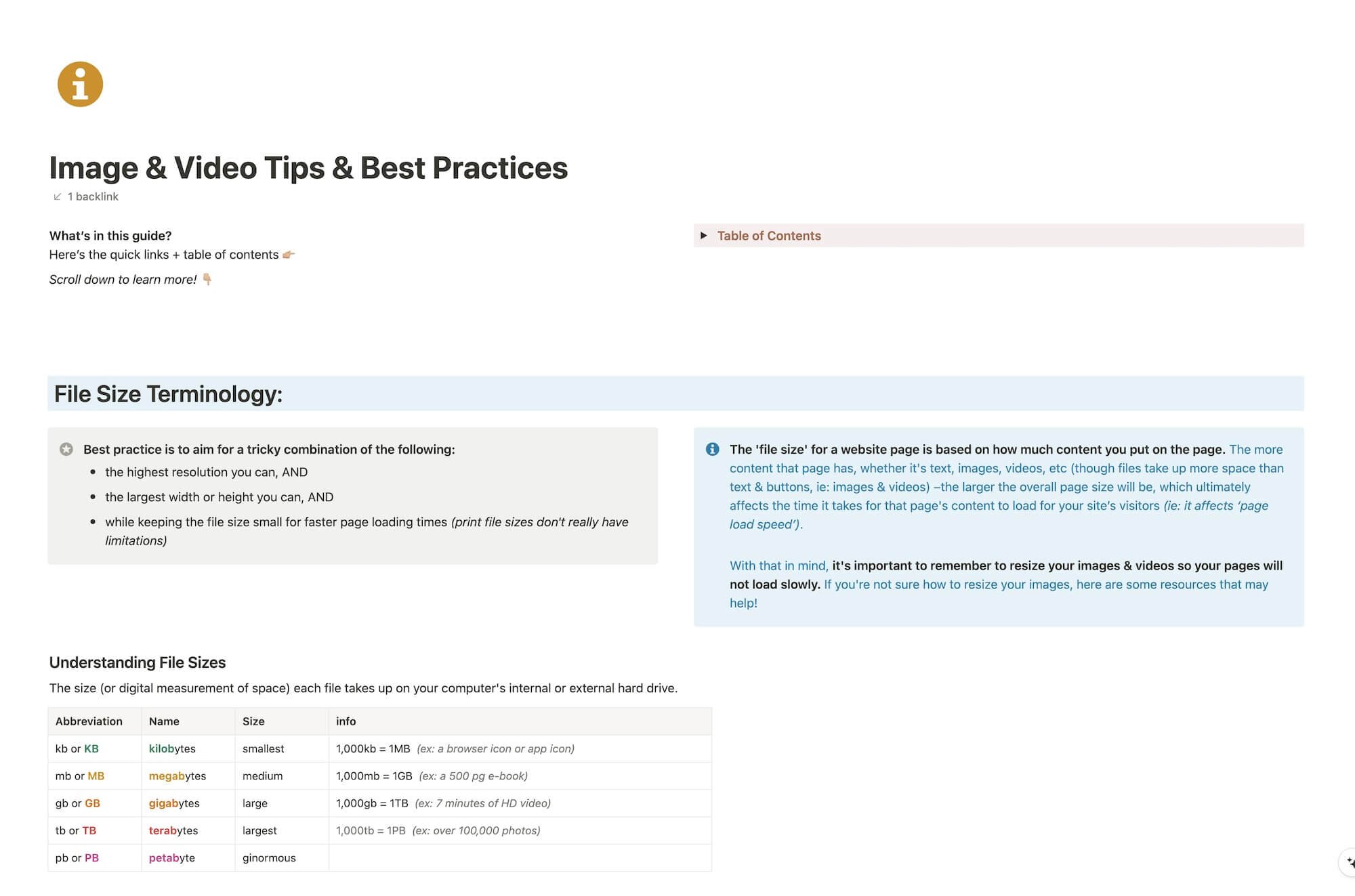
CHEATSHEET & TEMPLATES
File & format terminologies & size ranges, resource lists, and pre-sized blank Canva templates for various image ratios.
Katelyn, here!
I’m the Founder, Owner, CEO, Designer & Educator at Launch the Damn Thing® and I love coffee, cursing & carefully laid plans. 😂 (Also reading, blaring loud music, and teaching, –but those didn’t fit into my nice alliteration!)

Did I just totally make your day? #goals
