

The Blog
Squarespace Tips & Client Systems for Web Designers & Service Providers
Detailed tutorials, shared client systems, pricing tips, and tool reviews for solo service providers and web designers who want less hustle &/or overwhelm.










FREE AI TOOL FOR DESIGNERS
An AI tool that helps you handle the hard messages
The Client Whisperer is a free AI writing tool trained to help you handle the messages you dread most—even the confusing ones you're not sure how to respond to—while still holding your boundaries, aaaaand not being unkind. 🥴
Works in Claude (free or paid), ChatGPT (free or paid). Step-by-step instructions are included for each!


How to organize your blog posts in Squarespace
If you’re new to blogging or want to start, but you’re not suuuper tech savvy & computers sometimes make you want to wring somebody’s neck, –then blogging on Squarespace will probably be a good fit for you.
If you’re already blogging on Squarespace, but you feel like the posts are disorganized, or you can’t figure out what should be tags or categories, then read on, ma’ friend!
I’ve had several questions about this lately, so it’s time to address it for you all! And it’s not super complicated, so don’t freak out –just jump right in!

4 things you can do with the Spacer Block in Squarespace
‘I added an image to the page, but it’s HUGE! How can I make it smaller without cropping it?’
Questions like those pop up in my inbox a lot, and for good reason. There’s not an obvious answer!
If you’re new to Squarespace, or even just new-ish, you probably don’t know some of the multifunctional qualities of their most useful block elements. So over the next few posts, I’ll go through them one by one and spill the beans for each of them.
Now, let’s dive into the 4 other ways you can use a Spacer Block on your website (besides, of course, just adding space to the page between elements)!

How to Schedule Blog Posts in Squarespace
Life pulls us in all directions, doesn't it? It can be so unpredictable, especially for business owners & entrepreneurs. Anything we can do to make our business more predictable, for the people who invest their time in us, makes the experience more positive, right?
But I know blogging can be a time suck; I totally get it. Especially when you're first starting out.
To solve that problem, you can batch like-tasks (blogging & posting to social media, for example) & schedule ahead, so that throughout the days/weeks ahead, you don't have to think about it on the day-to-day. Who's got time to post live, anyway???
You've got enough on your plate already; don't add even more unnecessary stress to your day!












CHEATSHEET & TEMPLATES
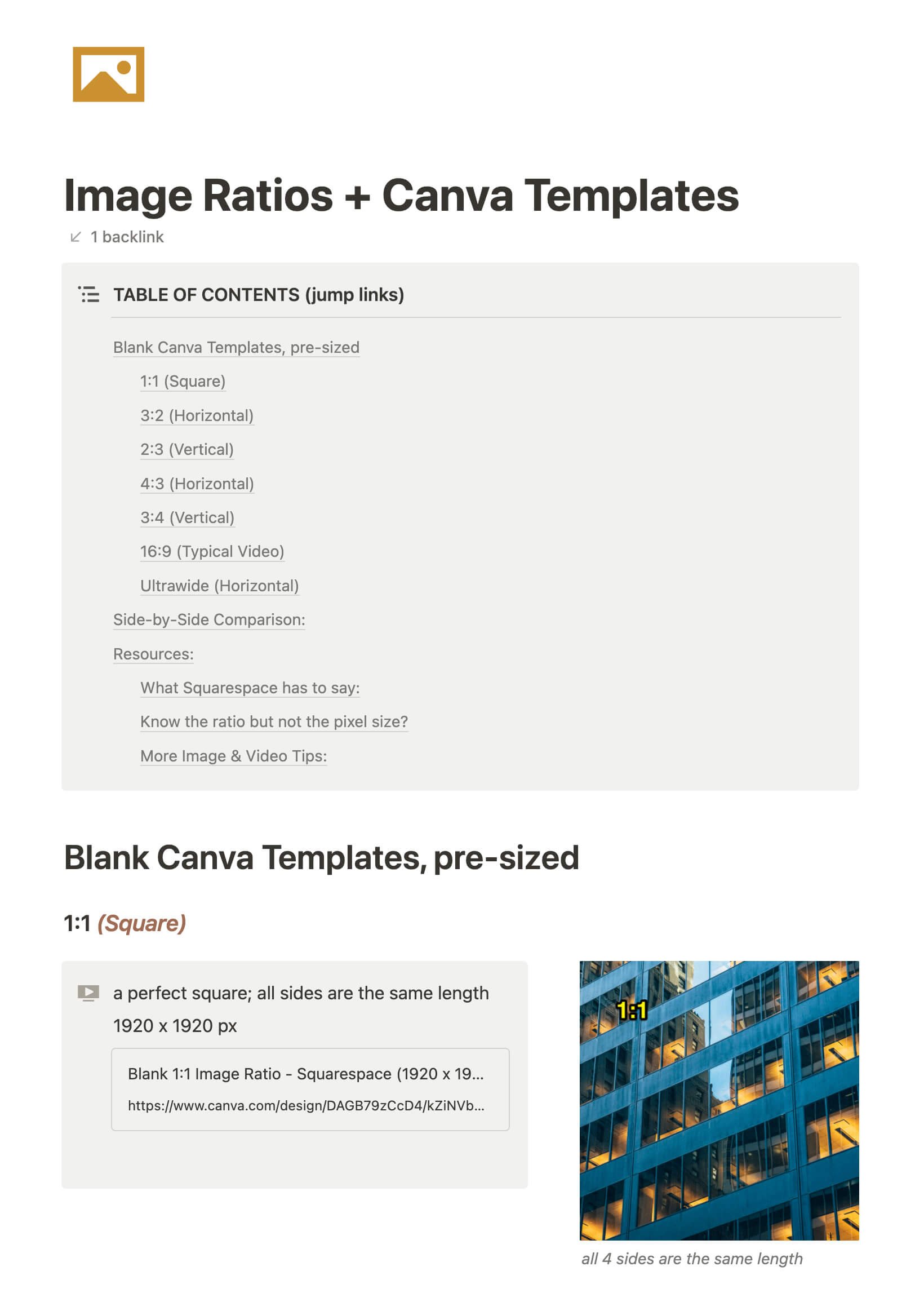
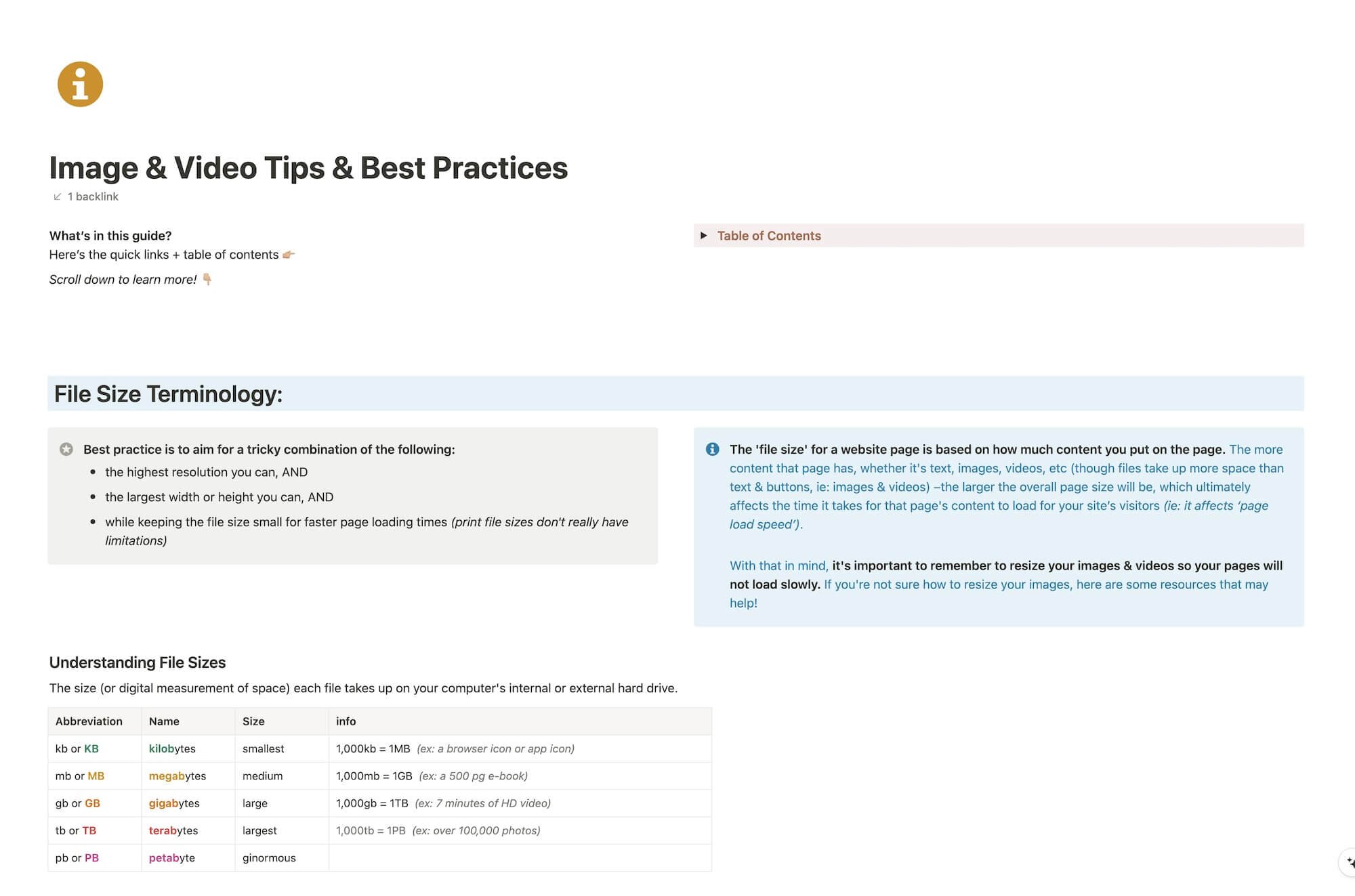
File & format terminologies & size ranges, resource lists, and pre-sized blank Canva templates for various image ratios.
Katelyn, here!
I’m the Founder, Owner, CEO, Designer & Educator at Launch the Damn Thing® and I love coffee, cursing & carefully laid plans. 😂 (Also reading, blaring loud music, and teaching, –but those didn’t fit into my nice alliteration!)

Did I just totally make your day? #goals
