

The Blog
Squarespace Tips & Client Systems for Web Designers & Service Providers
Detailed tutorials, shared client systems, pricing tips, and tool reviews for solo service providers and web designers who want less hustle &/or overwhelm.










FREE AI TOOL FOR DESIGNERS
An AI tool that helps you handle the hard messages
The Client Whisperer is a free AI writing tool trained to help you handle the messages you dread most—even the confusing ones you're not sure how to respond to—while still holding your boundaries, aaaaand not being unkind. 🥴
Works in Claude (free or paid), ChatGPT (free or paid). Step-by-step instructions are included for each!


How to add, access & manage your files on Squarespace
Want to put a PDF on a page that people can download? Maybe you don’t know how to add your resume, or an opt-in?
Since Squarespace (oddly) doesn’t have a normal Media Library, it’s not obvious where to add these things, or once you’ve added them, ––where did they go?
I'll show ya how to upload files to your Squarespace site, where to find them & how to manage them.

How to optimize your Squarespace website for mobile screens
Unlike Showit and Wix, Squarespace doesn’t let you separately alter your design for mobile size screens. That’s both a great thing and an irritation, tbh.
Great because: you’re not designing anything twice; it’s all automatic.
Not great because: it’s all automatic & you have no specific control how the design reacts on mobile without custom code.
So how do Squarespace designers deal with this problem?

Squarespace SEO: Optimizing Images
Are you frustrated with uploading large images to your website (but didn’t know there was another way)?
‘I’m pulling out my hair over here!’ 🤬
Don’t know what to name your image files?
‘Is IMG_0321-edit1.jpg is wrong?’ 😨
Think it doesn’t matter what you name your files, or how large they are?
‘Yes, no one can see the file name anyway!’ 😏
(You’re wrong about that, BTdubbs.)
Optimizing images for Squarespace SEO purposes (and the web in general) isn’t actually hard or time consuming, so this’ll be quick, with lots of screenshots!

Squarespace SEO Best Practices: Using Keywords
Have you’ve been wondering whether Squarespace is SEO friendly? I'm sharing best practices for how & where to use keywords for your Squarespace website's SEO.
Search Engine Optimization is an incredibly expansive topic, so I'm breaking this up into more bite-sized pieces!
Stay tuned, because I'm also covering these topics in later posts & additional content:
A tutorial for optimizing images for websites
(smaller file sizes = faster load times)
Which types of pages have big SEO opportunities
Why Blogging is great for SEO
Social Media & SEO (focusing on Pinterest)
Helpful Tools & Resources
Truth? I'm not an SEO expert and don't claim to be one. That being said, when I first started my website back in 2015 (first of all I had no idea what SEO was or that I needed it in order to have a successful website), I couldn't afford to hire an SEO expert, so I learned everything I could about how to do it myself.
My efforts are paying off; Google has ranked me on the top of page 1 for several of my keywords. Now I'm sharing what I've learned with you!


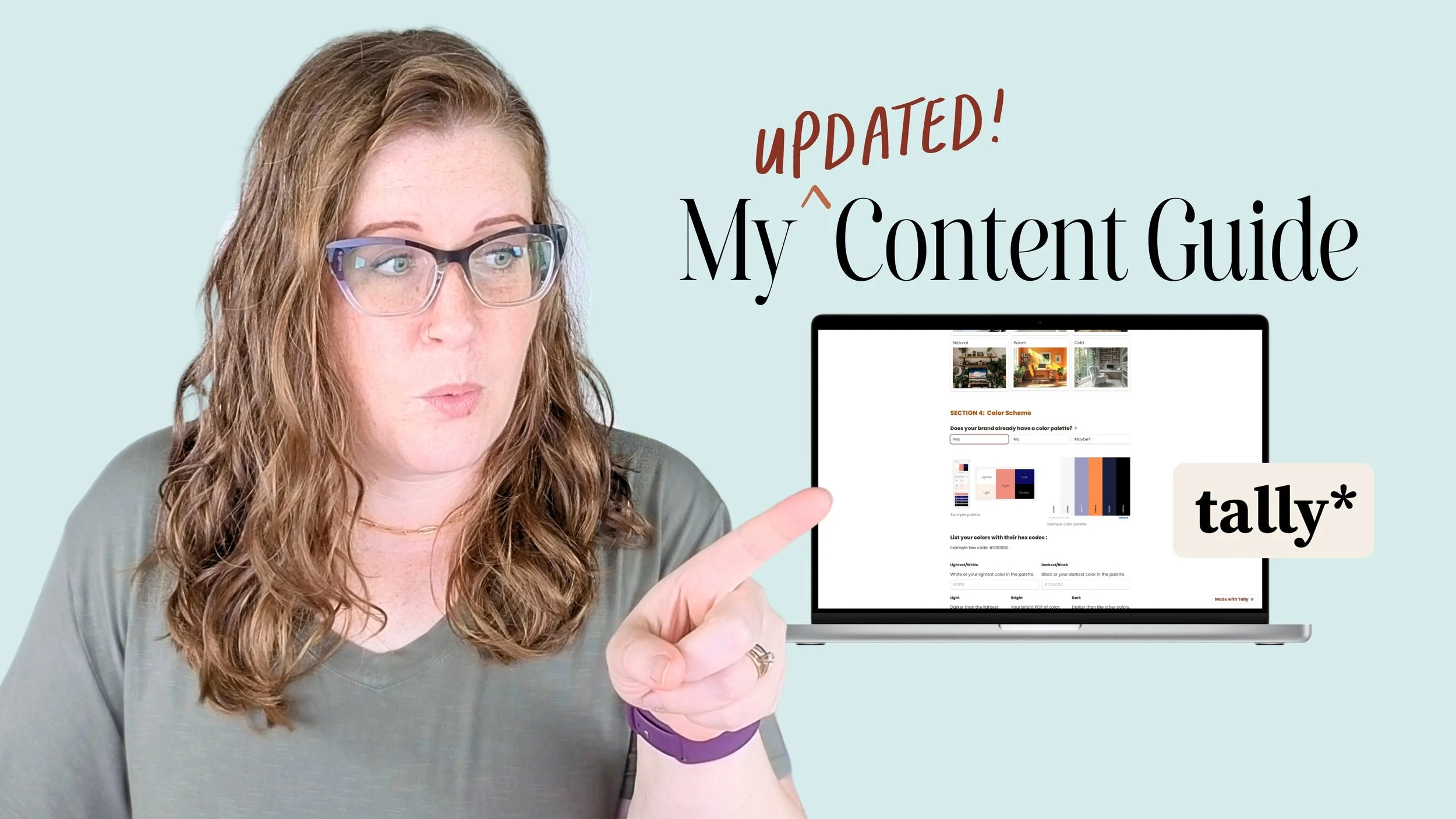











CHEATSHEET & TEMPLATES
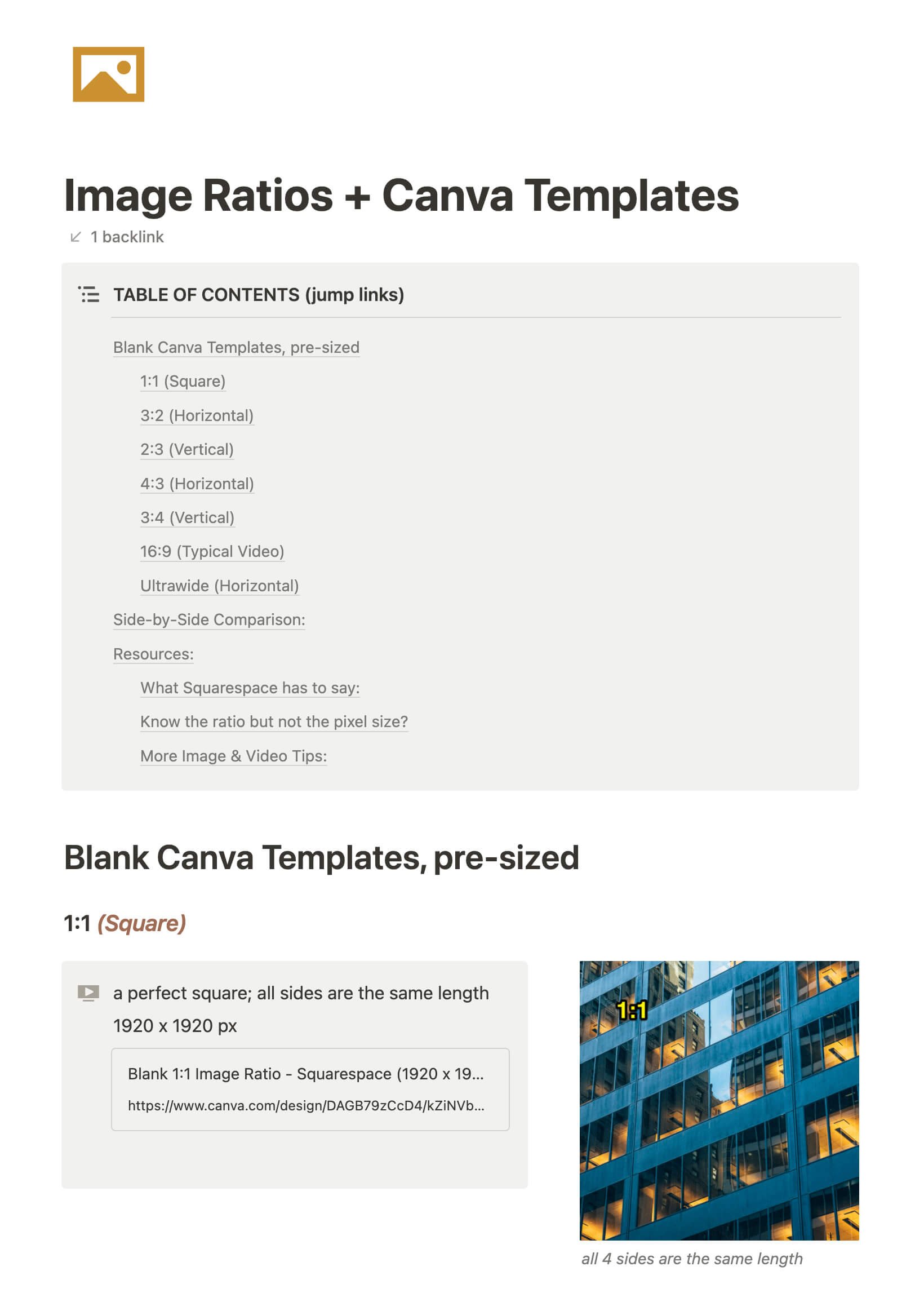
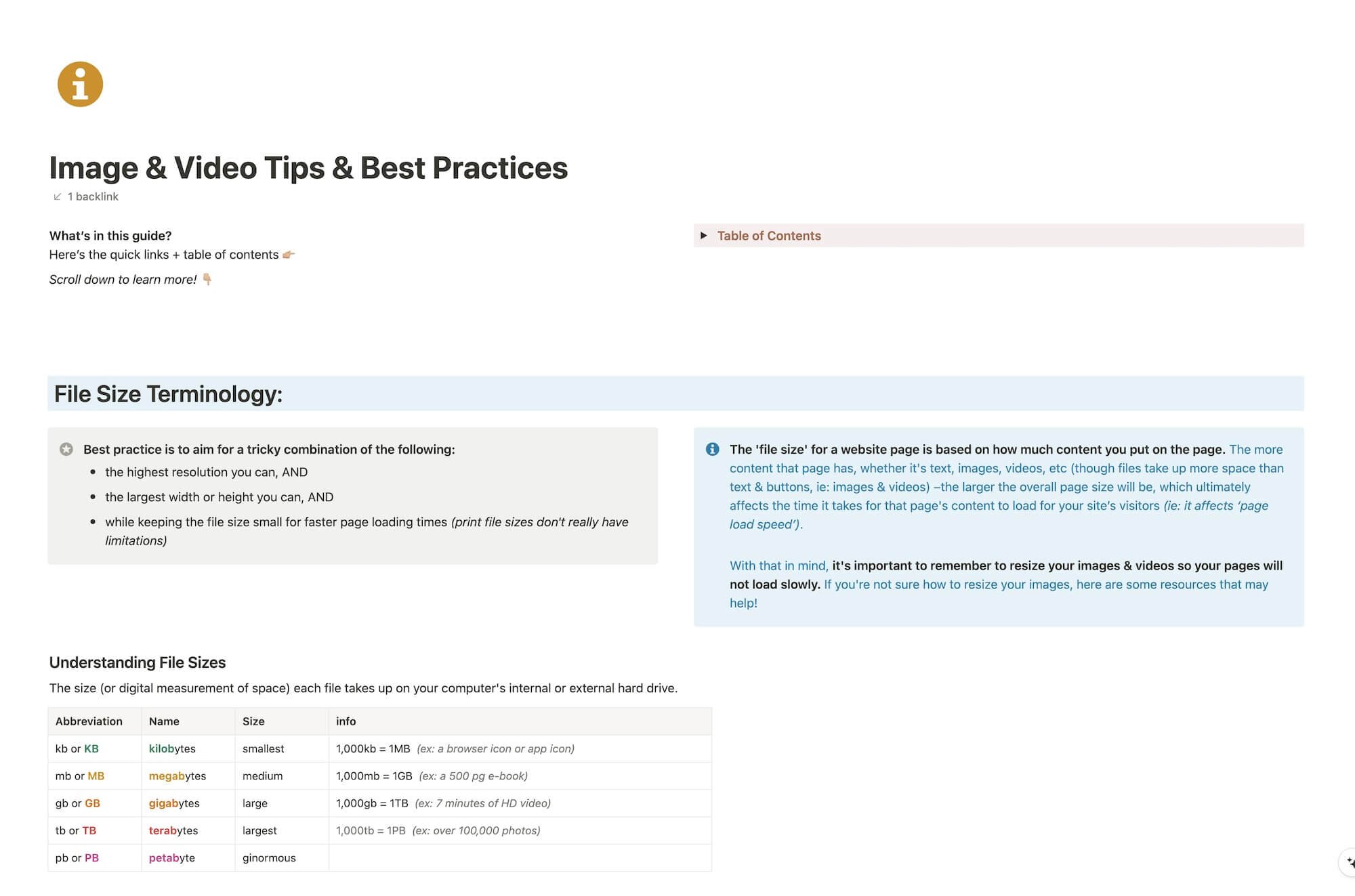
File & format terminologies & size ranges, resource lists, and pre-sized blank Canva templates for various image ratios.
Katelyn, here!
I’m the Founder, Owner, CEO, Designer & Educator at Launch the Damn Thing® and I love coffee, cursing & carefully laid plans. 😂 (Also reading, blaring loud music, and teaching, –but those didn’t fit into my nice alliteration!)

Did I just totally make your day? #goals
