The Blog
Squarespace Tips & Client Systems for Web Designers & Service Providers
Detailed tutorials, shared client systems, pricing tips, and tool reviews for solo service providers and web designers who want less hustle &/or overwhelm.
If you’ve been at this Squarespace thing long enough to feel pretty comfortable using the platform, then you might be at the point where you want to be able to do some things a little different than the template allows.
Or, maybe you’re just a “think outside the bun” kinda girl and you want to jazz it up a bit. Get it further away from the template than you otherwise could if you knew some code.
Yeah, me too. Been there, done that & I’m not a developer; I’m a designer.
And if you’re here reading this, I’m guessing you are too.
Plugins (mostly CSS) will be your new best friend, just don’t use too many at one time… it can become confusing.
I’m sharing my trusted resources for these here, so keep reading!
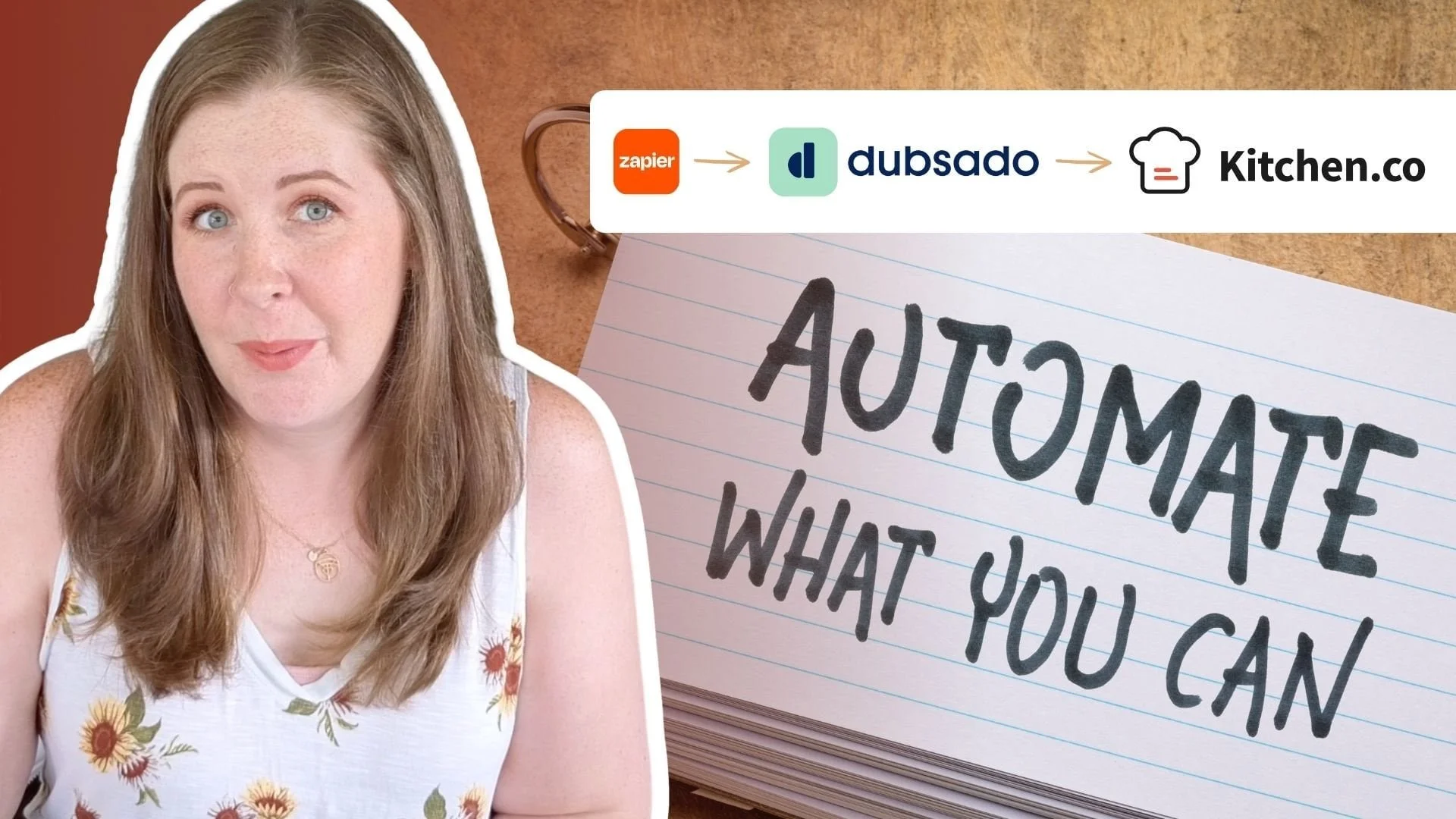
Automate Kitchen.co Project Folders when Clients Sign Contracts
How to Pin blocks, Scale or Highlight text, & Hide Navigation in Squarespace
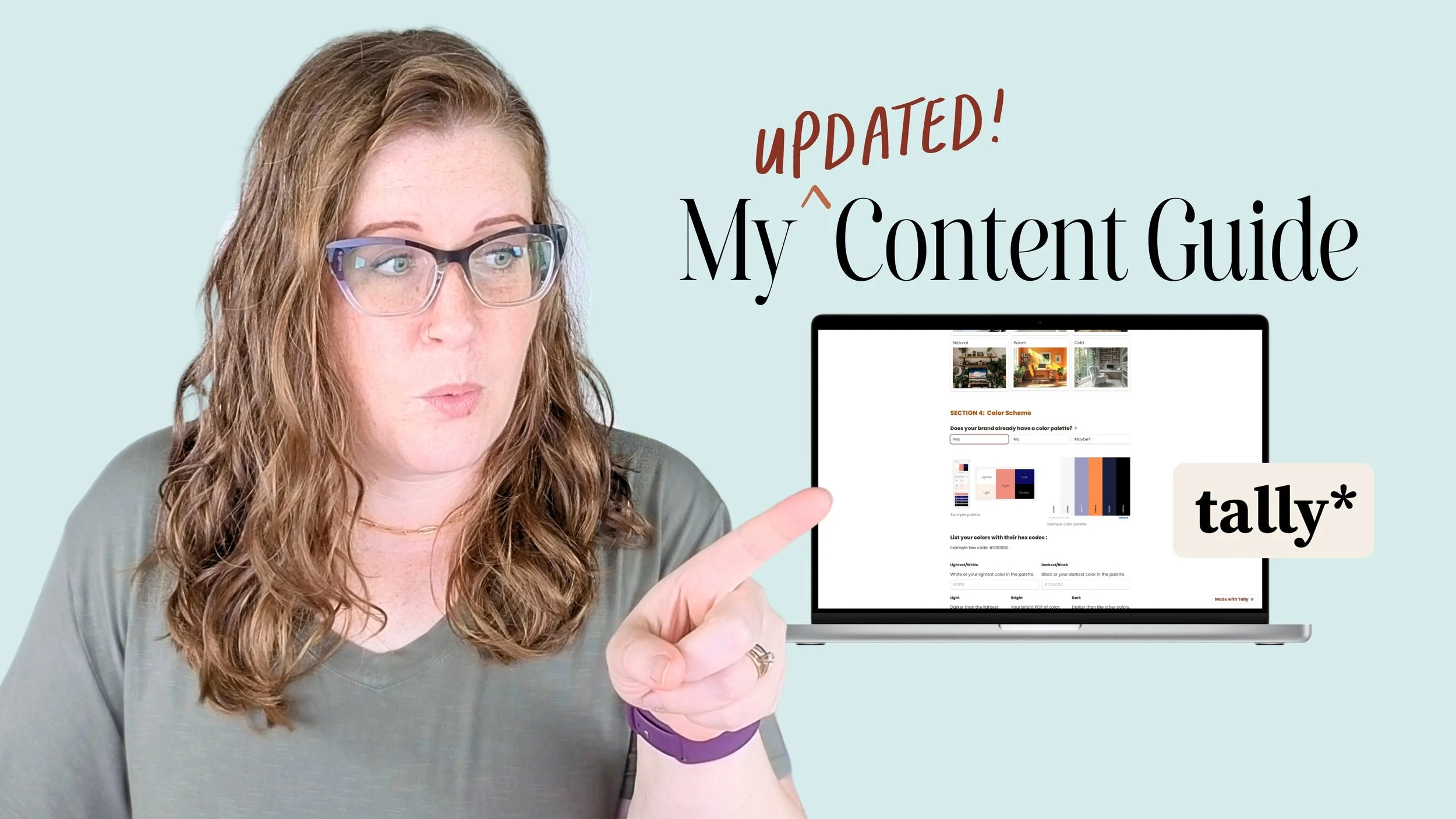
How to create a basic content calendar in Notion
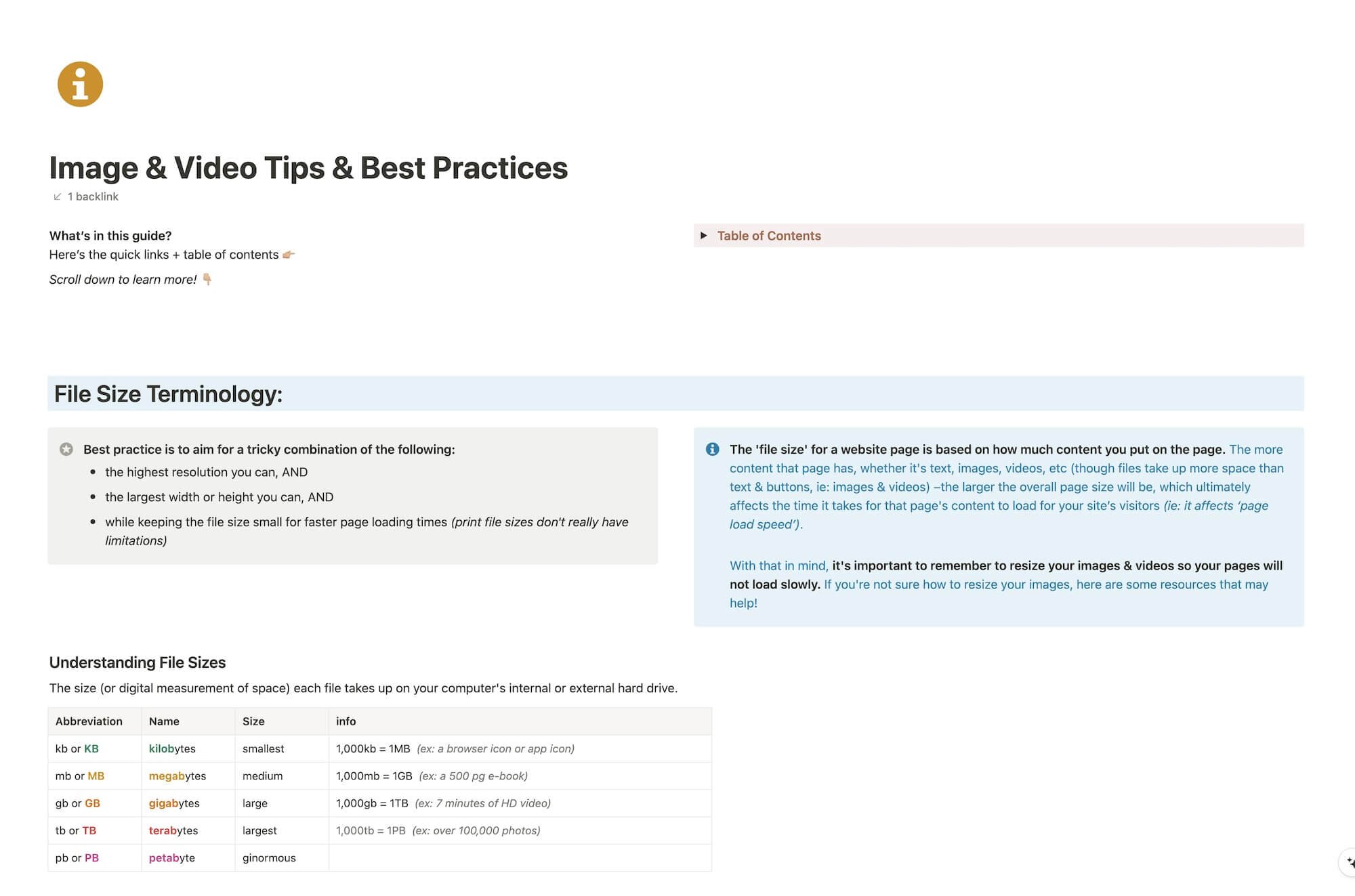
Complete Guide: how to use & optimize images & videos for websites
How to Contact (a human in) Squarespace Support
What content do you put on your DIY website??
The secret to creating “Pretty” short links on Squarespace (for free)
How web designers transfer ownership to clients in Squarespace websites
All things Inquiry forms & how to use ONE in multiple places!
Bulk rename & resize images EASILY without Photoshop
Easily add your ‘Scheduled’ YouTube videos to blog posts in Squarespace
Does Google know your Squarespace website even exists yet?
3 best practices for easy mobile responsive designs in Fluid Engine
How do I design a pretty, reliable, & clickable email signature?
3 hacks for overlapping elements across sections –without code
A strategic Color Palette will generate better Color Themes
Deleting & moving content around in Squarespace
Squarespace Basics: everything you need to know about the built-in forms
CHEATSHEET & TEMPLATES
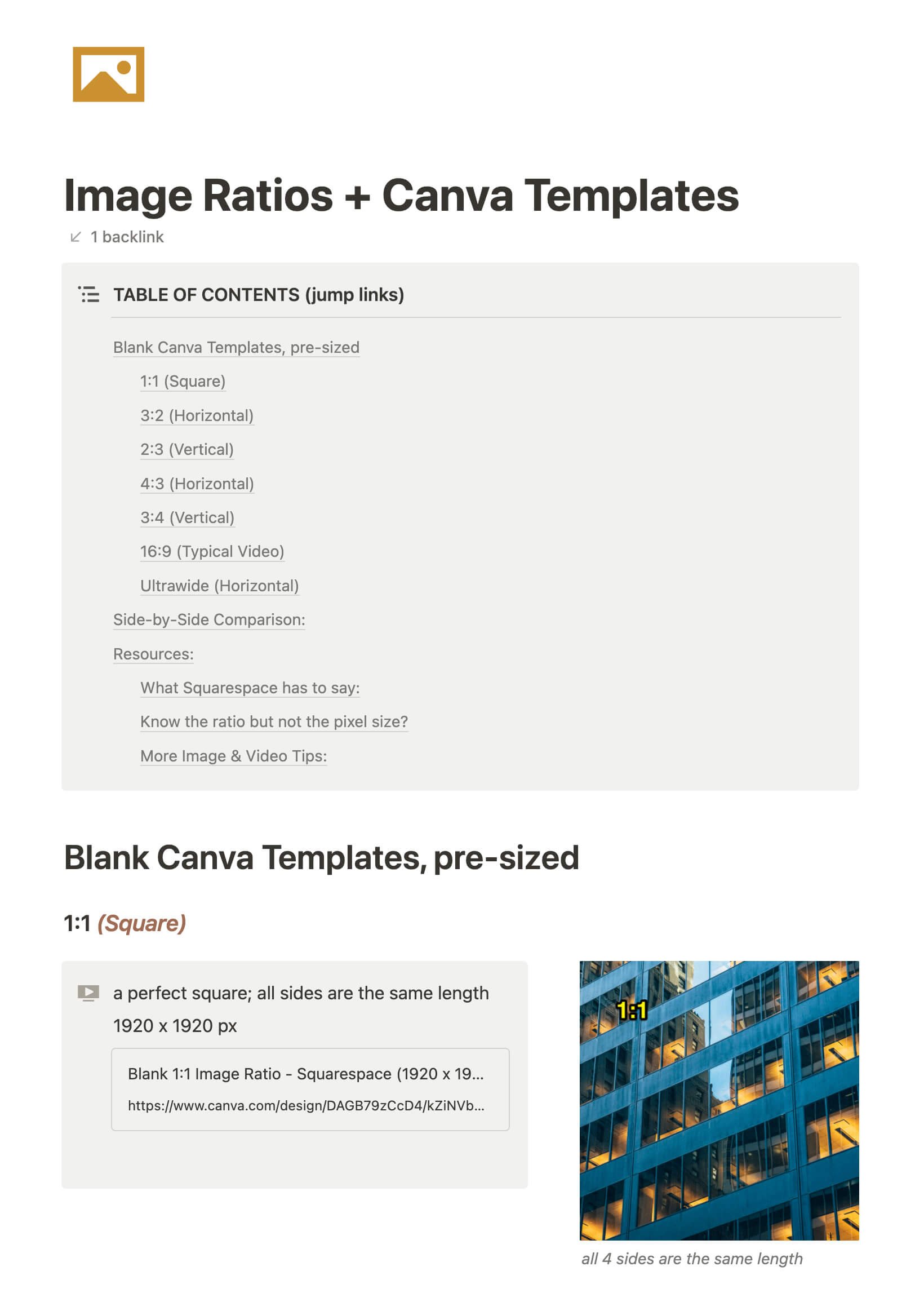
File & format terminologies & size ranges, resource lists, and pre-sized blank Canva templates for various image ratios.
Katelyn, here!
I’m the Founder, Owner, CEO, Designer & Educator at Launch the Damn Thing® and I love coffee, cursing & carefully laid plans. 😂 (Also reading, blaring loud music, and teaching, –but those didn’t fit into my nice alliteration!)

Did I just totally make your day? #goals