The Blog
Squarespace Tips & Client Systems for Web Designers & Service Providers
Detailed tutorials, shared client systems, pricing tips, and tool reviews for solo service providers and web designers who want less hustle &/or overwhelm.
If you’ve been at this Squarespace thing long enough to feel pretty comfortable using the platform, then you might be at the point where you want to be able to do some things a little different than the template allows.
Or, maybe you’re just a “think outside the bun” kinda girl and you want to jazz it up a bit. Get it further away from the template than you otherwise could if you knew some code.
Yeah, me too. Been there, done that & I’m not a developer; I’m a designer.
And if you’re here reading this, I’m guessing you are too.
Plugins (mostly CSS) will be your new best friend, just don’t use too many at one time… it can become confusing.
I’m sharing my trusted resources for these here, so keep reading!
I Did It WRONG: My First 2 Shops Failed (& What Finally Changed)
Best Website Builders for 2026
⚠️ IMPORTANT: Phishing Scam Targeting Our Clients
BTS: How Two Design Nerds Created the Squarely Speaking Podcast🎙️
From Graphic Designer to Side Hustler, to Full-time Business Owner: My Story
How to handle bad or unhelpful design feedback
Do web designers create wireframes for custom Squarespace websites?
Arbitrarily using website Headings is a big DIY mistake!
25 last-minute Christmas gift ideas for designers &/or our clients
How & why I decided to become a Squarespace web designer
How to install custom fonts on Squarespace
Why graphic designers are leaving the corporate world in droves
How to pair different fonts
Using one font throughout a document can be visually monotonous, right?
But how do you know which ones go together and which ones don't?
Do you see gorgeous font combinations other people have done, but when you make an attempt yourself, it never looks right?
Today I'm going to give you a few tips on how to pair different fonts and what not to do! Whether it's in your Powerpoint, your resume or images for social media, you can choose like a pro too.
The 'how' is simple if you understand the the basic rules of thumb used.
+ download the FREE Guide to help you Choose & Pair Fonts Like A Pro!
CHEATSHEET & TEMPLATES
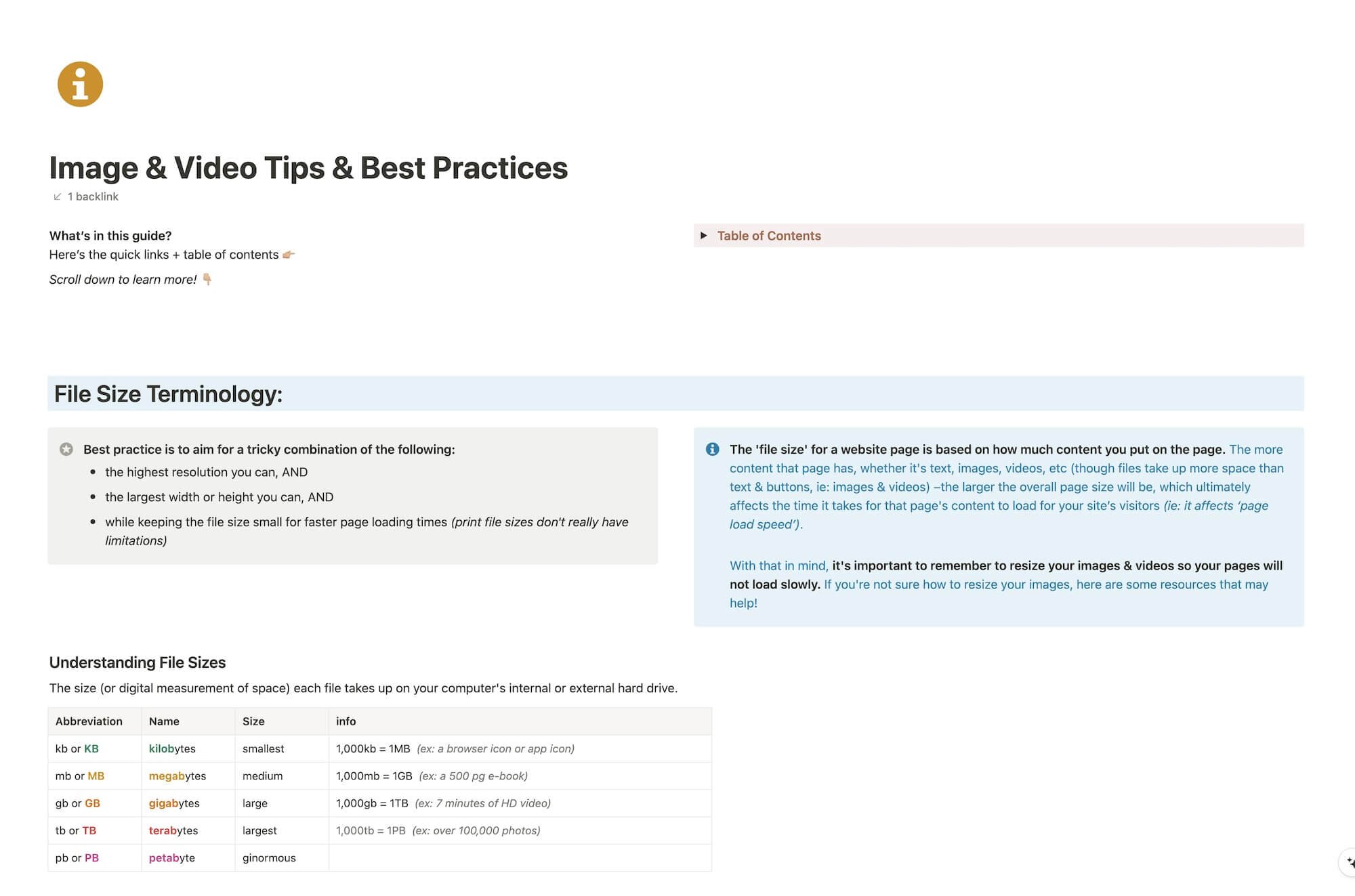
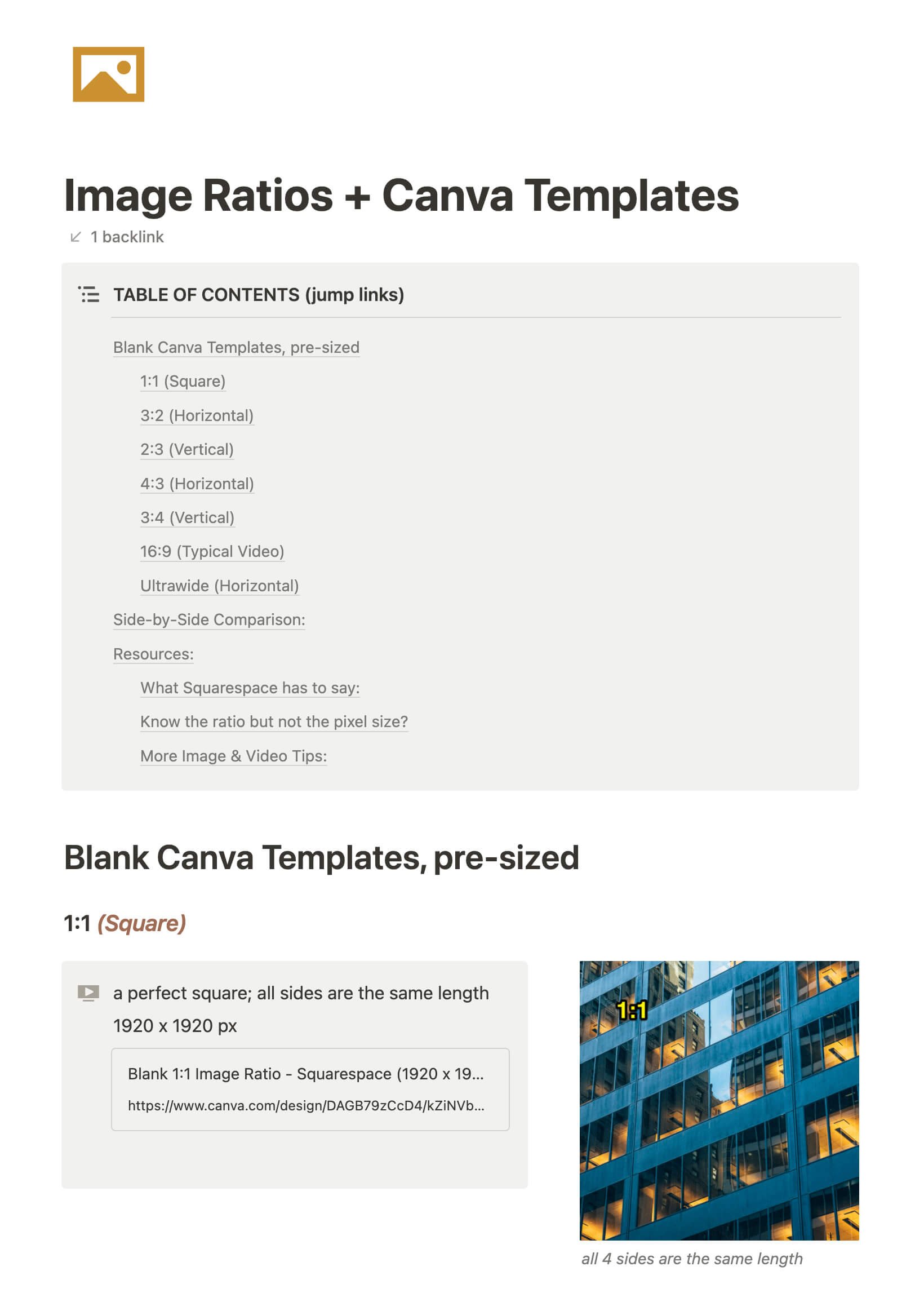
File & format terminologies & size ranges, resource lists, and pre-sized blank Canva templates for various image ratios.
Katelyn, here!
I’m the Founder, Owner, CEO, Designer & Educator at Launch the Damn Thing® and I love coffee, cursing & carefully laid plans. 😂 (Also reading, blaring loud music, and teaching, –but those didn’t fit into my nice alliteration!)

Did I just totally make your day? #goals