

The Blog
Squarespace Tips & Client Systems for Web Designers & Service Providers
Detailed tutorials, shared client systems, pricing tips, and tool reviews for solo service providers and web designers who want less hustle &/or overwhelm.










FREE AI TOOL FOR DESIGNERS
An AI tool that helps you handle the hard messages
The Client Whisperer is a free AI writing tool trained to help you handle the messages you dread most—even the confusing ones you're not sure how to respond to—while still holding your boundaries, aaaaand not being unkind. 🥴
Works in Claude (free or paid), ChatGPT (free or paid). Step-by-step instructions are included for each!


Comparing: ClickUp, Asana, Trello, Zenkit, Airtable, Milanote & Quire
There are SO many Project Management tools out there that are worth a look, but which one is the right fit for YOU?
I’ve taken the time to break down the ones I’ve used & organize them into feature lists so you can search for what you need and see which apps offer those things.
Now, let’s see which app is the right fit for your productivity needs!

How to organize fonts like a Pro
Designers end up having sooooo many fonts. It really gets ridiculous!
If you have 500-1000+ fonts and you’re scrolling through them constantly searching for certain styles or that one you JUST CAN’T REMEMBER the name of… then you need my help!
It’ll take some time to get this system started, but if you do this now it will save you so much of it later on as you continue to collect them.


My Favorite Apps for Designers + Freelancers
We're all SO busy these days! If you're keeping up with the trends then you haveto cook the perfect healthy meal with that new "superfood" ingredient, or complete this particular workout, or go take this particular class, or whatever the latest trend may be.
You may have kids and a full time job on top of it. Maybe you work at home full time, or have a 9 to 5, and then work nights & weekends on your side-hustle (whatever that may be).
No matter the details, there's still every day tasks to do (like cooking, cleaning, yard work, etc.) on top of maintaining a home life and keeping up with tasks at work. There's also the added task of not totally ignoring your SO or your friends and family while you work your little butt off!
So, who doesn't want a few apps that can make life a little easier?










CHEATSHEET & TEMPLATES
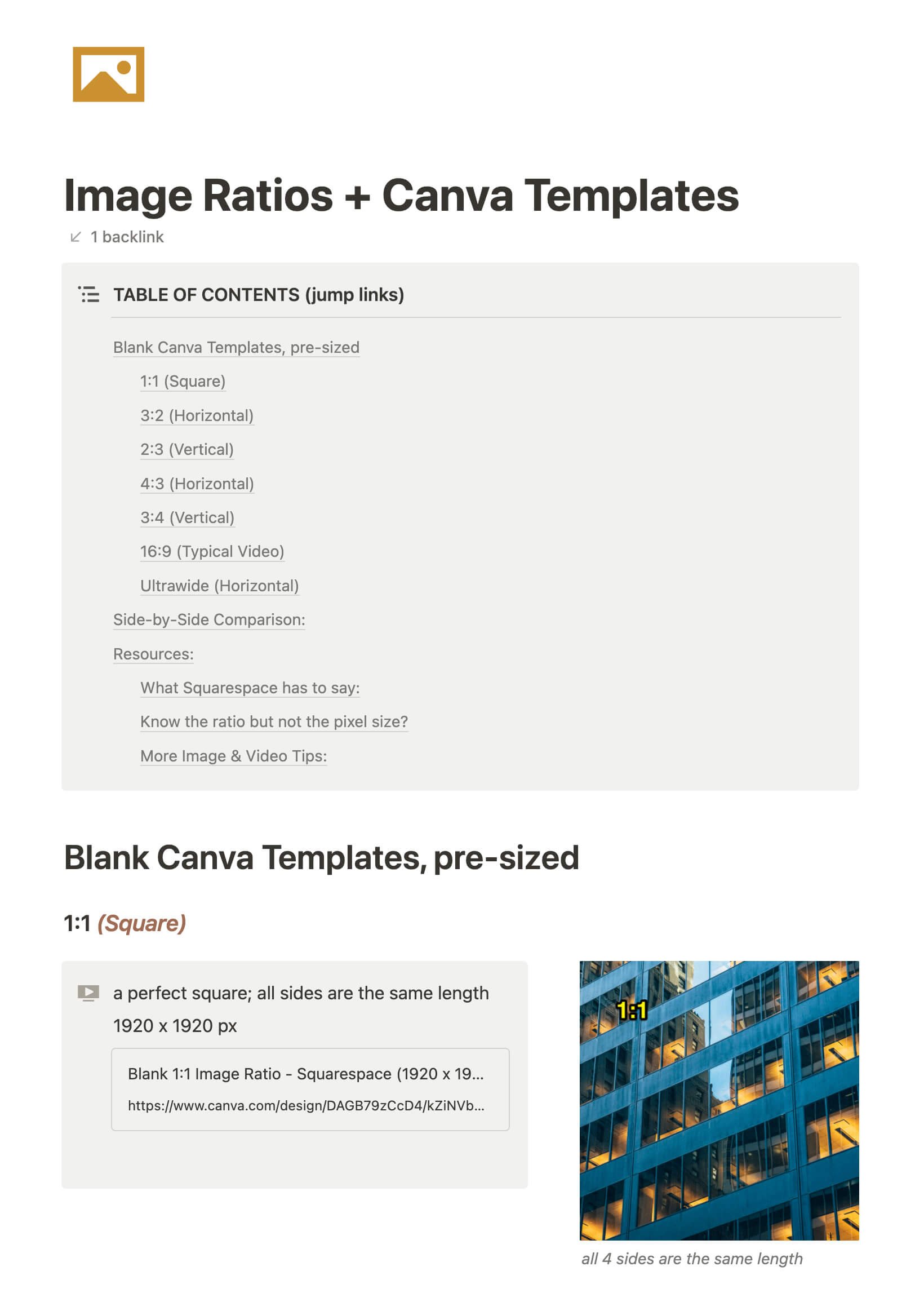
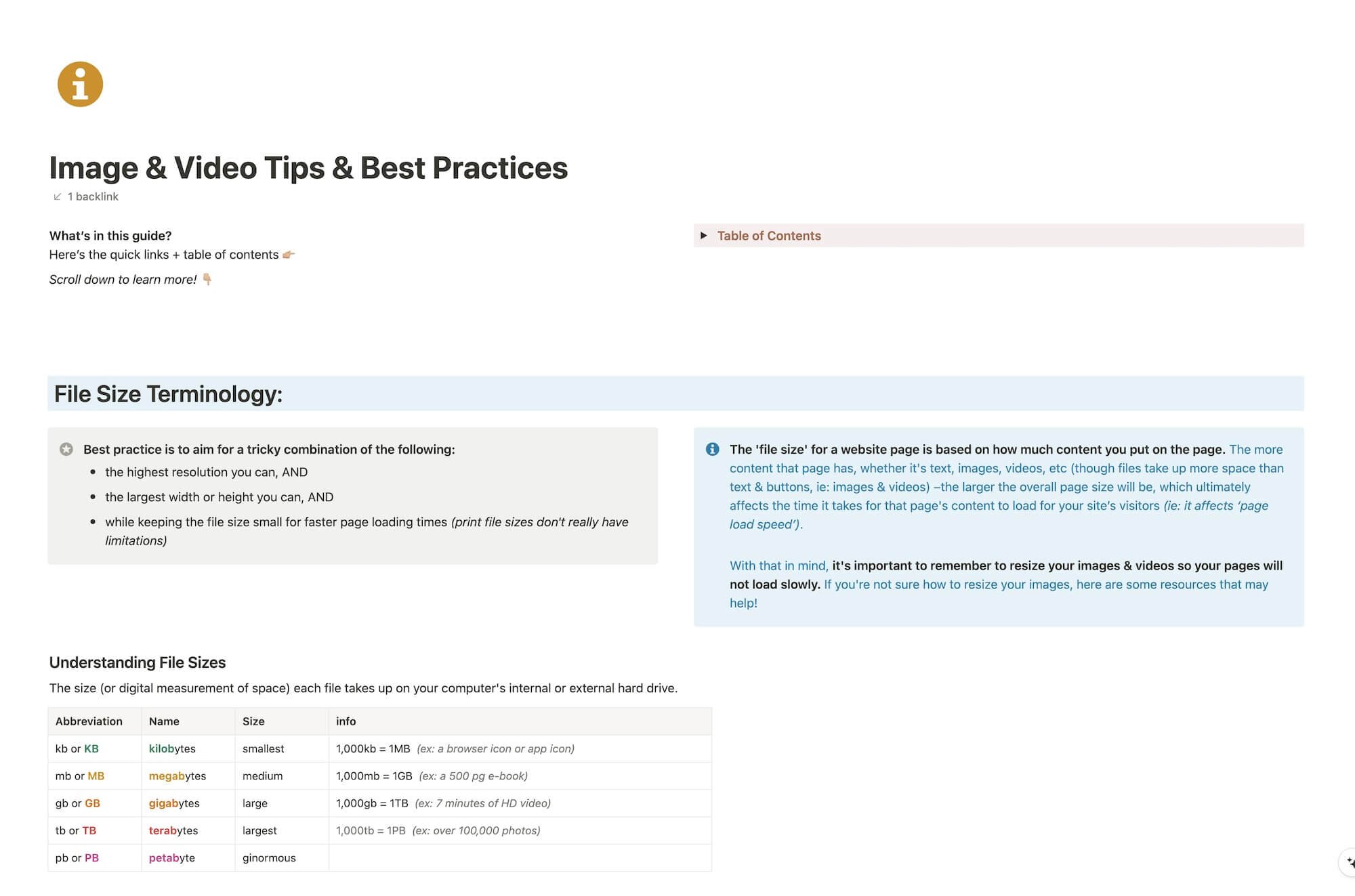
File & format terminologies & size ranges, resource lists, and pre-sized blank Canva templates for various image ratios.
Katelyn, here!
I’m the Founder, Owner, CEO, Designer & Educator at Launch the Damn Thing® and I love coffee, cursing & carefully laid plans. 😂 (Also reading, blaring loud music, and teaching, –but those didn’t fit into my nice alliteration!)

Did I just totally make your day? #goals
