What's inside this post: Hide
This post was sponsored by Squarespace, but all of the opinions in today’s recap are my own.
October 21st was Squarespace's annual event for their professional design community (aka: Circle Members or Circle Partners), called Circle Day. This year marks the 10th anniversary of their Circle Partner program, and my 9th anniversary of being a member of their Circle community.
They have a livestream for virtual attendees and an in-person event at their headquarters in New York City. I've been in-person before and it was SO much fun to get to meet and connect with other designers in the community that I've known from afar for years and years, in many cases! This year the stars (schedules) didn't align and I attended virtually.
Screenshot of our community chat during Circle Day
So on the big day, I got up early, made coffee, and checked in with one of my friends on WhatsApp, who was there in person.
Then I posted the 'today's the day' announcement in my community, and offered my Insiders a live chatroom so we could chat amongst ourselves while we streamed the sessions, separately from the main livestream chat on Squarespace's YouTube channel.
Puno, the founder of ilovecreatives Studio and this year’s high-energy emcee, really did an excellent job keeping the session transitions and intros lively and interesting; I enjoyed having her on stage throughout the day!
It was a long day full of interesting developments, a sometimes-spicy chat thread, excitement, FOMO, lots of coffee, and diligent note-taking! So, here are my takeaways and crowd-assessments from Squarespace's 2026 Circle Day.
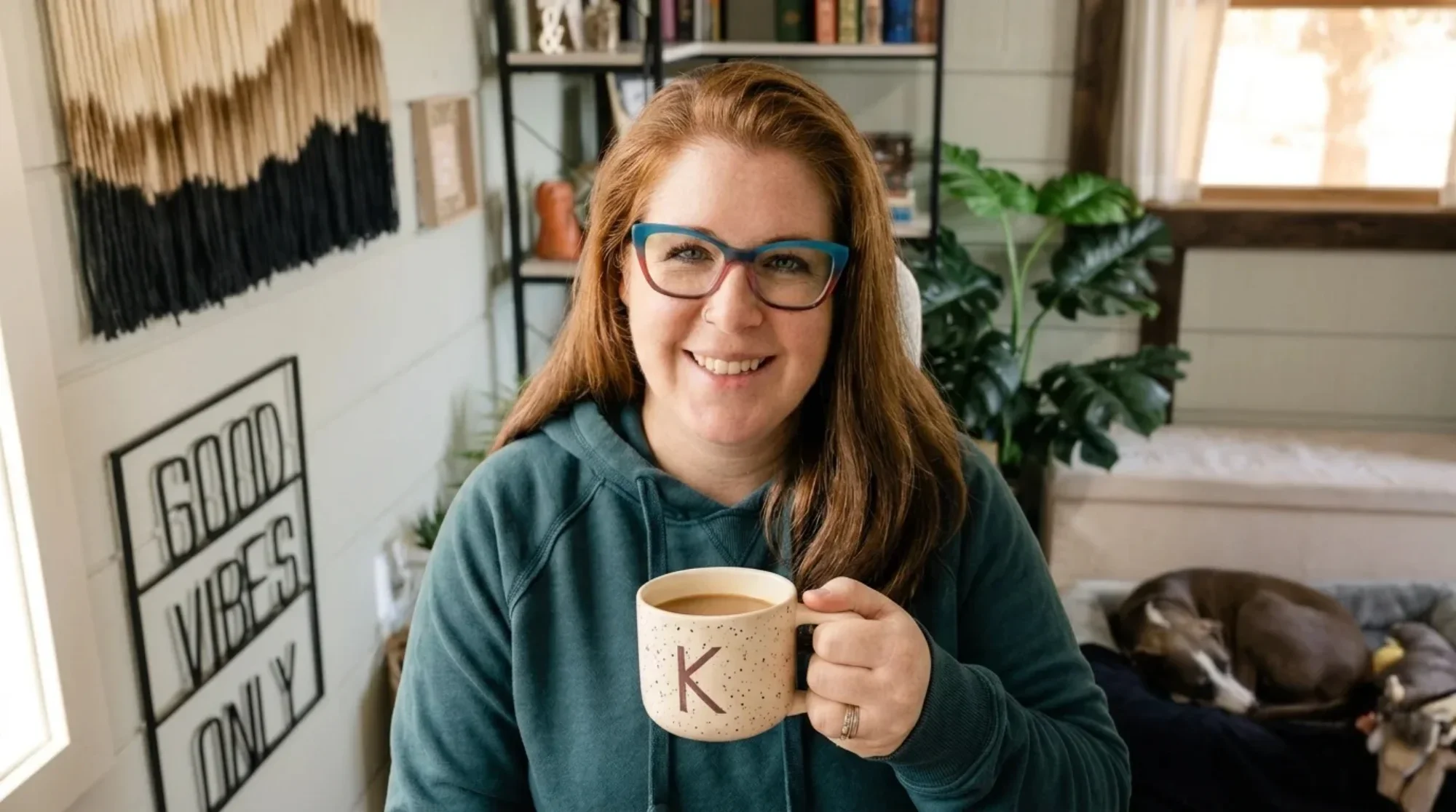
*This image was generated with Squarespace’s Image Studio, but based on my real selfie taken on Circle Day as a reference.
The big theme(s) of the day
This year's Circle Day theme was "The Source of Design," which I think was strategically chosen as a reminder that, despite AI, we (humans) are still the source of creativity, expertise, experience, ideas, and wisdom in our implementation of our work. It was a great way to start off the event, to remind us that WE are the SOURCE of design—not AI. AI is just a tool in our tool belts. 👏🏻 Almost every session I attended online referred back to this from a different angle.
The unofficial theme was the introduction of a lot of new AI tools, intended to help us create more effectively, streamline our processes, and make things easier on us. As professionals, our value is shifting all the time as new AI tools are introduced constantly. We’re all figuring out where we have value as humans in this field, from our honed design aesthetic, to our experience & strategies, to building trust, encouraging human connection, and having real conversations.
So let's dig into things a bit more!
What's new from Squarespace?
First, let’s start with platform updates and announcements shared on Circle Day! I'll divide these up between what's available now, as of posting, for Circle members, and what's coming soon.
Updates available now:
Stacks updates:
customized gradient or image backgrounds (gradients are a first for Squarespace!)
assign a link for the whole Stack,
per-gap spacing, so we can adjust the space between blocks in a Stack more granularly
Video block updates: finally provides automatic detection & support for vertical (portrait) video, which is great for YouTube Shorts, TikToks, etc.
New Image Studio:
generate custom stock photos anywhere you can upload or choose an image,
presets for image styles
and "reshoots" allow you to edit existing images with AI, to spruce up 'almost-there' images that just need a little help
SMS campaigns: used wisely, of course, one user saw their click-through rate for marketing perform significantly higher than email!
Squarespace MCP: their MCP for Domains is available now, with more MCP access coming soon
Integrations & APIs: it continues to be easier than ever to connect your Squarespace site to the external tools we love!
New Developer site: it's been reorganized and improved so it's easier to understand and follow, both for humans and AI
New extensions include HubSpot by Hotglue, Google Reviews and Facebook Reviews by Common Ninja, with more coming to the Squarespace Extensions marketplace soon!
Updates Coming Soon:
Auto-Save & Version History:
the platform will save as we design, in the background
and keep track of the version history, so we can jump back to a previous version with a couple clicks
Block locking: we’ll soon be able to lock blocks in place while moving others around, so that when we click & drag to select a group it won’t also select the locked items.
Smarter Customer Profiles: soon these will include information about your customers across all areas of your website, from shops to form submissions, invoices, and any place they've engaged on your website, so we don't have separate places to look anymore
Squarespace MCP updates: we’ll soon be able to manage our website's content, see customer insights, manage orders, and edit our store's products using third-party AI tools
AI Sections: we will be able to prompt an AI assistant with chat capabilities to build custom sections and connect elements on the site, including all kinds of fancy stuff for us professionals, like React components and CSS libraries, etc.
Forma: Squarespace's upcoming AI-native platform, built into the Squarespace ecosystem, to build custom software and workflows that help run our businesses. With Forma, we'll be able to create custom apps to help manage our online systems, and create agents to help run them too.
What I'm most excited about
As a solo designer, the most meaningful updates for myself and my clients are Auto-Save and Versioning or Version History, and updates to Stacks!
With the website editor saving in the background, my current most-used key command (Cmd/Ctrl + S) will no longer be necessary while I work!! 👏🏻 We'll also be able to revert back to past designs if needed, making seasonal or one-time changes to the design easier to add AND remove when the need passes. A great example would be Christmas-ifying our designs for the holiday sale season, or birthday-ifying a page for a business anniversary sale, etc. Another great example would be testing new page designs, and being able to switch it back to a version that was more effective, without saving copies of pages or sections.
As for Stacks, with the current available updates, we can individually control the spacing between elements in a grouped Stack, set a background image or gradient per Stack, and even assign a link to an entire Stacked group of blocks! Those updates will make building with Stacks even better.
To learn more about Stacks' basics, check out this post 👇🏼 with its accompanying tutorial video and find out why I LOVE using Stacks!
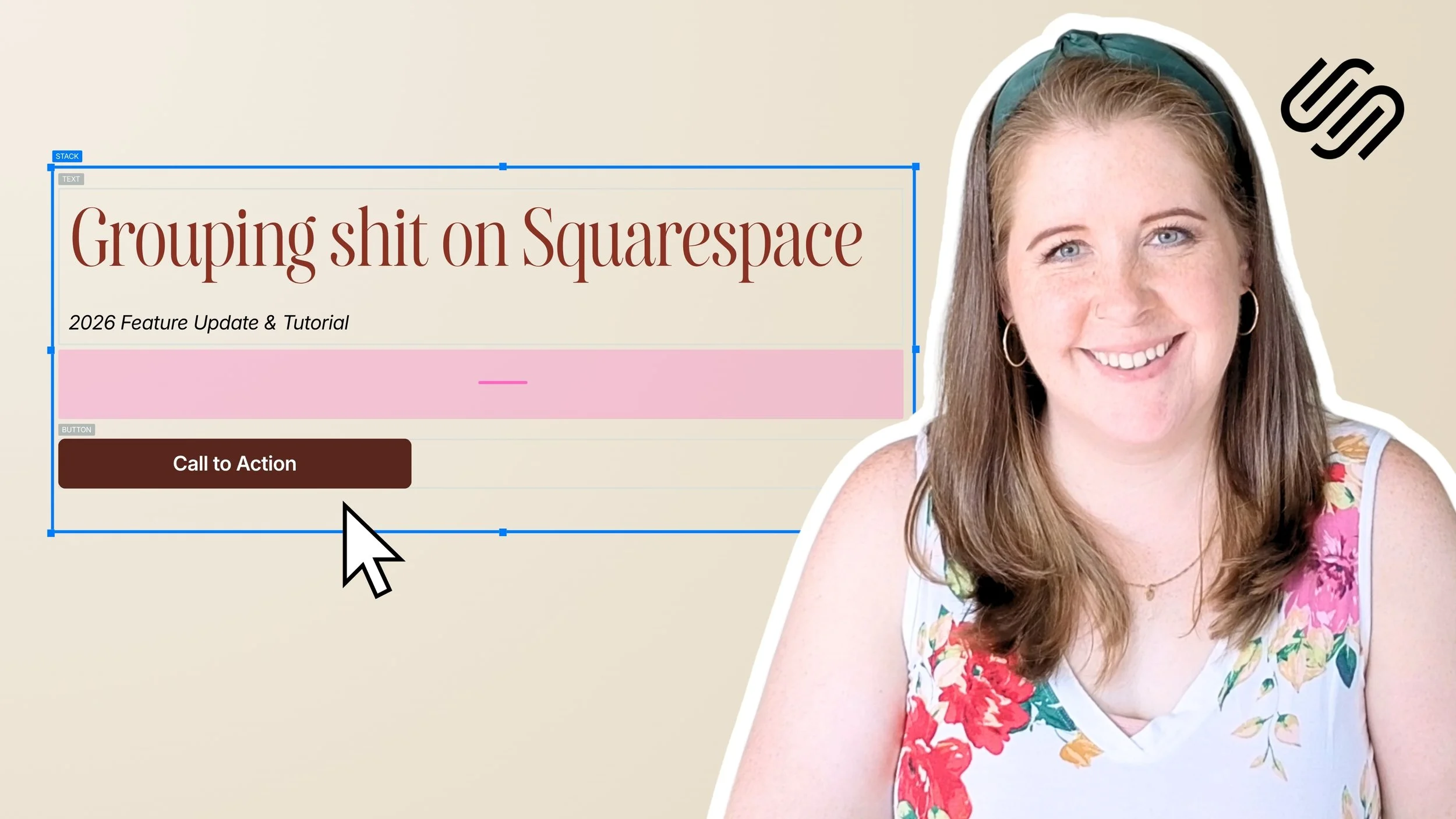
How to group blocks on Squarespace
Forma
Excitement & Concerns About Forma
Squarespace is currently building an optional native AI platform that will be included inside our Squarespace accounts, which will give us a crazy amount of build-power to create what we need but can't find, and explore more possibilities than ever before.
AI is everywhere now, and while it does seem like all these companies are using the same playbook, Squarespace's take on this feels like a different approach, which is interesting and could even be exciting!
What has me feeling anxious, skeptical, nervous, or even unexcited, are the potential downsides that haven't been addressed yet while it’s only available via waitlist (at this time).
Opinions & Acceptance
I've seen and heard from other designers that expressed genuine excitement about all the possibilities this could open up. They've mentioned things like:
building custom apps for clients that work alongside our client's websites and content, seamlessly
this is the way of the world now, and we need to learn to adapt in ways that are new & interesting (& also sometimes exhausting)
Some specific comment topics I saw were:
several mentions of building a custom CRM, dashboard, and other apps got a lot of hype and excitement!
ideas for building community features inside member sites were mentioned a few times.
several people saw this & realized it will feel overwhelming to many clients, saying that clients will hit a wall and need a pro because AI builders still depend on good expertise, experience, knowledge, and prompting, among other things. (i.e., we are still the SOURCE of Design, right?)
a noticeable shift in clients saying things like “I made this with AI, can you fix it?” instead of “can you build me a website?”
Several designers I’ve spoken with since the event noted they were surprised that attendees were surprised, since AI news was kind of expected, given the state of the world these days. Most of those designers also acknowledged that we are professional designers working on a DIY-focused platform, so many of these tools are likely developed with DIY-ers in mind, but we can find ways to use them too.
Concerns & Caution
I saw a lot of chatter in the live chat about things we don't have answers to at this time. Designers attending the livestream along with me mentioned things like:
feeling 'replaced' by AI, and feeling unwanted or not needed,
disliking fake product photography & using other fake images
questions about the cost of using Forma (tokens, add-on subscriptions, etc)
questions about guardrails for pro users vs DIY users of Squarespace, related to what Forma can build or edit, etc
major concerns about privacy and sharing data with AI at all (GDPR & other privacy implications, etc)
worries that the current 7.1 version is getting left behind while the focus shifts to Forma
wondering if Forma would replace 7.1 or if it would be mandatory to use it (FYI: 7.1 is staying & Forma will be optional.)
Some specific comment topics I saw were:
“Is this helping us or replacing us?” was a dominant question.
“AI slop” came up a lot. AI-generated product imagery in the demo especially bugged a lot of people. (i.e., buying products based on fake images of the product &/or fake people using the product)
A recurring “wrong audience” complaint: people felt like a DIY tool was being pitched to designers who didn't need it.
“Fix 7.1 first” comments included a long wishlist of update requests such as: blog collections, header sizing, schema, tablet view, List Section quirks, image swap on hover, etc.
My Opinion of Forma (so far)
During the Product Keynote, I was initially a bit flabbergasted! My little techie heart was excited about possibilities I couldn’t quite name yet.
The next, more logical feeling rushed in fairly quickly once I saw activity in the chat, reminding me that privacy concerns are real, even if the data stays in Squarespace. We need to know how that data is contained within the AI Squarespace is using and what safeguards are in place to protect the privacy of our customers and clients, along with the intellectual property of the business owners who use it.
During the session with Anthony Casalena (the founder & CEO of Squarespace), his excitement about the new product was absolutely palpable and I think that did encourage the audience a bit to see him so excited about this. A few questions were asked at the end of his session, and some questions weren’t answered with as much detail as I’d have liked (as you might expect from a CEO when talking about an unreleased product).
Importantly, we did get answers to some questions, like whether 7.1 is being deprecated and replaced by Forma (7.1 isn’t going anywhere), and during the Product Deep Dive session they shared that Forma’s agents can’t publish content without our approval, which is great to know.
Right now I feel split between concern regarding logistics of the tech, and excitement about what we could build with it. I’m still wondering what privacy & general guardrails may be put in place to help us manage client projects on the platform once Forma is available.
I’m also not sure that I want to be a ‘software developer’ and be involved in troubleshooting, bug-fixing, and supporting whatever I or my clients have built in Forma. It’s fun to play, but maintaining what we create could be a different story. At this stage it’s too early to tell, without testing it myself, but I’m open to the possibilities while also trying to be smart about the possible concerns & aftermath of how it gets used (and by whom).
That said, I've joined the waitlist to test Forma, and once I’ve time to learn more about it, I’ll be able to share my updated opinion, based on how I could see myself using it, or using it with my own clients.
Highlights from my favorite sessions of the day
My favorite conversations involved discussing things like how we navigate this industry alongside AI, acknowledging constant industry changes and fluctuations, and how we can ethically use AI in our work. The specific sessions I enjoyed most were these! 👇🏼
How a Website Fits Into Your Client’s Bigger Marketing Plan
with Nicole Martinez
This session was right after the big Forma reveal during the Opening Product Keynote session, and Nicole absolutely turned the chat around from anxiety to confidence. It was exactly the reframe many of us needed after possibly spiraling a bit during the previous session! It was ALSO genuinely great information, and she included a useful freebie at the end that can help us navigate the AI conversation with our clients more effectively, and even answer the question: "why should I hire you instead of building with AI?"
Nicole's session specifically touched on key points around:
Adding a strategy conversation before we send a client their proposal, addressing 4 stages: job → journey → system → action
AI objections: making a site that looks finished doesn't matter if it’s not working
Proposals leading with what we heard from our clients, and sharing pricing last
Designers positioning themselves as strategists, not just pixel pushers
Vibe Coding: Hype, Risk, and Where It Actually Fits
with Will Myers, Becca Harpain, & Dave Hawkins
My favorite parts of this session included Will Myers' comment, "don't be a tool"; it really made me laugh, because he's not wrong! We have BRAINS too, and if we don't use them, we're not that much different than an AI. He specifically said that some of our work is "tool work" while other parts of our jobs are "human work", especially around engaging with our clients. He left us with a very thoughtful question that could help us decide when it's appropriate or helpful to use AI: "Would anyone care if a person did this?" vs "Would anyone care if a robot did this?"
Becca Harpain, from Inside the Square, shared her favorite quote, "When AI has to guess, you end up with a mess." She shared that being specific when we prompt, and using our years of expertise and experience are what we bring to the table that AI can't. She reminded us that we know things our clients don't, and that AI may not share if our client doesn’t directly ask, which is an excellent point!
Dave Hawkins shared a great metaphor for how AI has impacted our industry; he compared it to the printing press which was a major shift that created new capabilities, and better ways to share information. He said AI doesn’t replace the designer; it adds to the craft. I think whether AI replaces us designers is yet to be seen as things evolve, but for right now, he's probably at least partially right!
Some shared pain points and reactions in the chat mentioned:
clients sending AI briefs and prototypes, with varying expectations
laughing at Becca's take on using emojis, that we'd have to “pry them from” her “cold dead hard drive”—same, Becca! Same. 😂
the idea of a ‘no-AI used during onboarding’ checkbox, for forms and contracts, to make sure we are getting our client's opinions & not their AI's
Why AI Recommends Some Businesses and Ignores Others
with Tom Smeaton
Several people in the livestream chat called Tom’s session “best presentation yet,” and “one of the most informative.” It was a practical discussion about AI search visibility.
Some specific details he mentioned during the session were:
Study Setup
Services are competing on trust, expertise, and authority
Instead of a ‘top 10’ list, AI provides relevant recommendations
The study analyzed 1.2 million inline citations (links, not prompts) from ChatGPT, Google AI mode, and Perplexity, with Peak AI
Differences between platforms
Over 20% of citations by ChatGPT (in every category of the study) came from article content
90% of the study's Instagram citations were from Google AI mode, while ChatGPT cited Instagram less than 100x total
Perplexity prefers "listicles" and comparisons; about 1/3 of its professional services citations were listicles in the study
Cross-Industry & Category Patterns
40% of citations came from listicle or article content
Smaller websites with the right content structure also have a good chance to be cited
Directories are a great entry point and are the top cited type for health, beauty & professional services, but the ones that matter are niche-specific
Tom's practical takeaways were:
Thinking in 3 different buckets: the value of discovery (directories), validation (listicles, PR, social), and our website’s own content.
Generic services pages are getting ignored. Testimonials, case studies, and real-life data are what get cited most.
Listing your business on Google Maps alone isn't enough; great for local SEO, but that's it.
Build It, Teach It, Let It Go: A Case for Client Empowerment in Web Design
with Victoria Banuelos
Victoria's session argued that designers should be empowering clients to manage their own websites. She highlighted the typical post-handoff problems, like small edit requests such as editing store hours & updating the email address which fall outside the scope of the active project and can pull us away from current paid work. She framed this as a client access problem, not just a boundaries problem, because they're afraid of breaking what we've built for them.
To make handoff easier, she suggested building an easily editable website using simple & consistent blocks for easier editing, naming pages consistently & clearly, and building each page as if a first-time Squarespace user would be editing it alone. She also recommended including a 1-hour teaching session in every project that's recorded, to show them how to log in & navigate, and edit content themselves; we can share the replay with our clients if they want to reference any of that session again. For the recording, she offered several suggestions; my preference would be either Tella or Loom, or using the built-in summary/recording/notes in Zoom or Google Workspace, just for easy access.
Victoria ended by saying that a good handoff is the last impression we leave our client with, and it can lead to more work & even good referrals!
Creative Resilience: Unlock Your Creative Life Force in Challenging Times
with Andy J. Pizza
By the end of the day, I'll be honest, I was starting to zone out! Andy's session was the very last one, but he brought a lot of energy back into the conversation with tons of interesting examples of his work and relatable stories from his career as an artist.
Andy's life lessons were:
The Sister Act metaphor – where you ARE isn't the problem; not being PRESENT where you are, is the problem.
The School of Rock metaphor – you can't change the brief, but you can change the end; budgets & time limits are line items, but the ending is up to us!
Being told something consistently can lead you in a direction you hadn't expected to go. (Like 'not appropriate for adults' feedback leading to focusing on kids' books)
The Toy Story metaphor – the thing in the way of whatever you want is probably what you NEED
Important things to remember:
We can always reframe and turn "I have to" into "I get to"
We usually have to respond to change, but we get to choose HOW we do that
It was a really nice and lighthearted note to end the day on! And attendees in the livestream really enjoyed seeing his website (built entirely on Squarespace).
My biggest takeaways & observations from Circle Day
It's smart to have a strategy conversation before quoting the client project on discovery calls
I need to add an AI policy in my onboarding form, and in my service contracts that prohibits clients from uploading work into AI to get an opinion/feedback on the work before passing it along to me; I want THEIR thoughts, not Claude's or ChatGPT's.
It's prudent to teach our clients what's changing in search regarding AI visibility (directories, real content, reviews, etc).
Set our pricing based on our expertise, not hours worked.
Build websites that empower clients to manage them if they choose, without fear of breaking the website.
Our value is in our strategy, experience, taste, and judgment.
A lot of people were asking where to find MORE human connection points.
Overall, I left Circle Day feeling a lot of things: anxiety, excitement, confidence, and happiness to have connected with other people in my industry, in the chat and conversations I had throughout the day.
It's easy to fall down a well of overwhelm and fear with all this AI stuff, but when you talk to your friends & mentors, they can often provide a perspective you didn't have, or they can agree with you & make you feel less alone in your thoughts.
Ultimately, human connection is still vitally important, and we cannot forget that as we move into this new phase of web design.