


Custom Web Design Starter Kit
Save yourself time & start each custom website build with a blank template you’ve customized, to cut out the repetitive & monotonous admin work you do for each one.
This template will get ya started!

Why are you wasting your time doing the same things over & over?
old website checklist:
check create new website
check give it a title
check change the free/built-in domain
check set Site Styles
check add colors
check edit 10,000 settings in Color Themes
check set fonts
check set spacing
check set site-wide Animations
check set Forms
check create Template Style Guide page
check create Home page
check create About page
check create Services page
check create Contact page
check create Blog page
check edit Blog page settings
check create draft post with new post checklist inside
check create Reviews page
check create Thank You page
check create Legal page layouts
check create Media Kit page
check create Link-in-Bio page
… etc.
new website checklist:
check create new website
check give it a title
check change the free/built-in domain
check set Site Styles
check add colors
block edit 10,000 settings in Color Themes
check set fonts
block set spacing
block set site-wide Animations
check check Form settings
block create Template Style Guide page
block create Home page
block create About page
block Services page
block create Contact page
block create Blog page
block edit Blog page settings
block create draft post with new post checklist inside
block create Reviews page
block create Thank You page
block create Legal page layouts
block create Media Kit page
block create Link-in-Bio page
A lot shorter, right?! 👉🏼
How I use this Starter Kit

How is this different than the Client Portal?
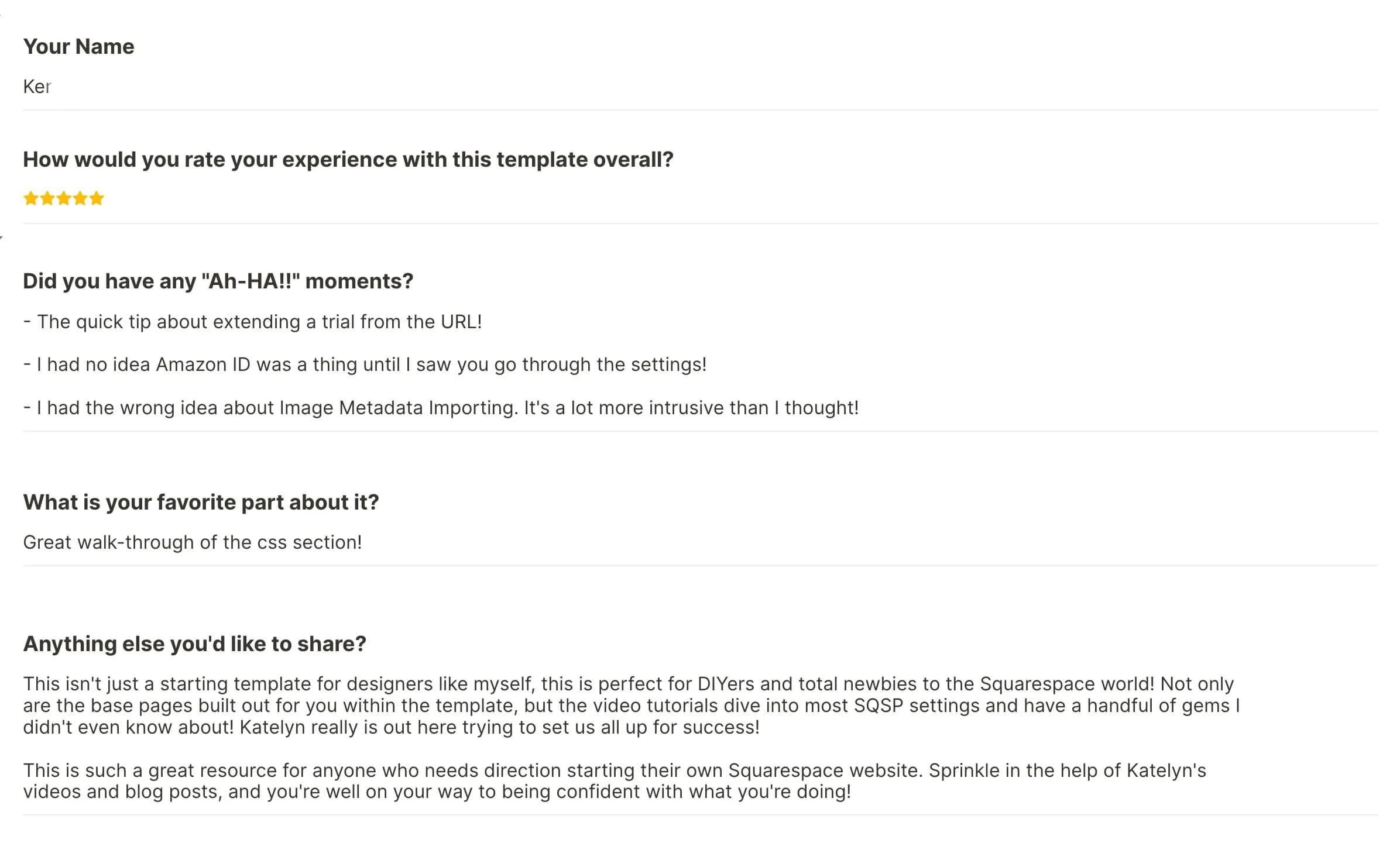
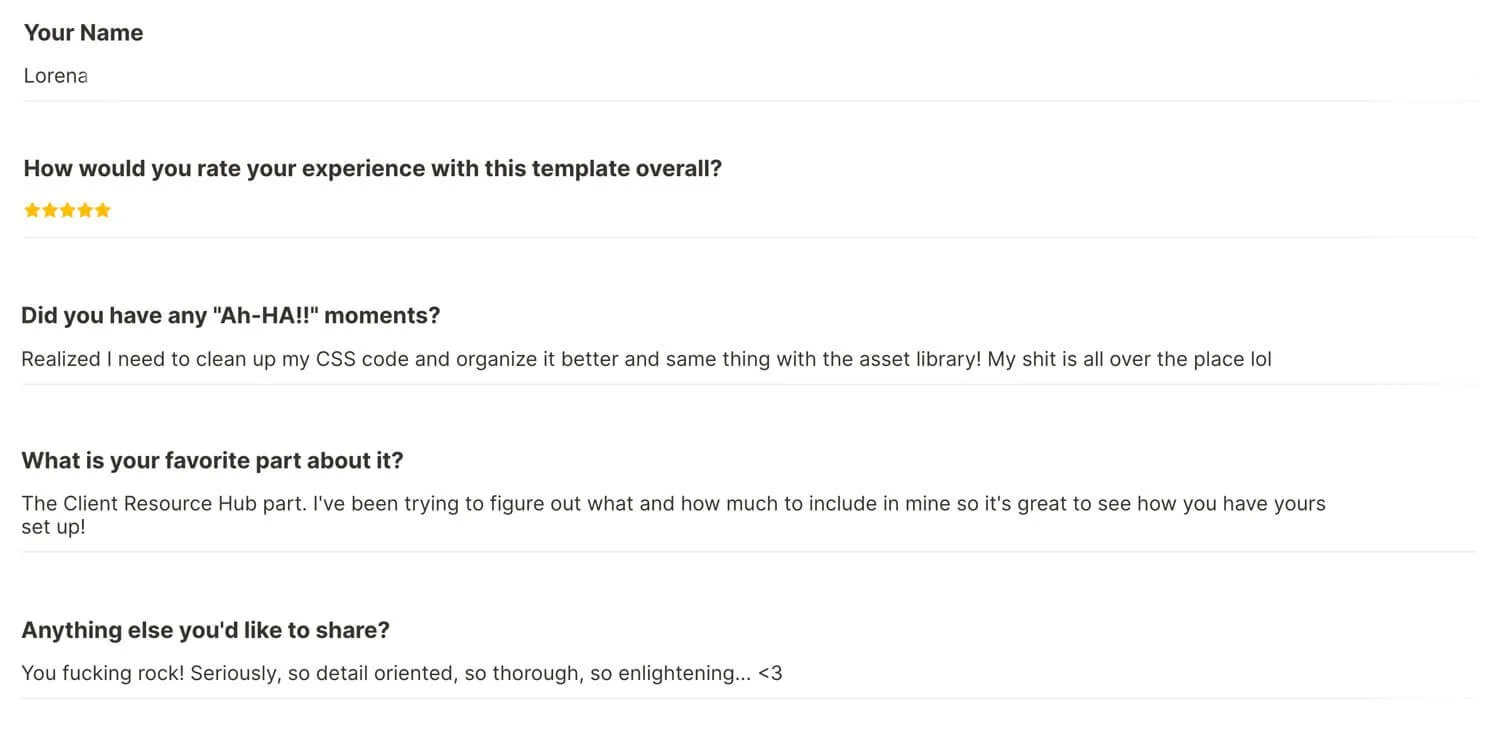
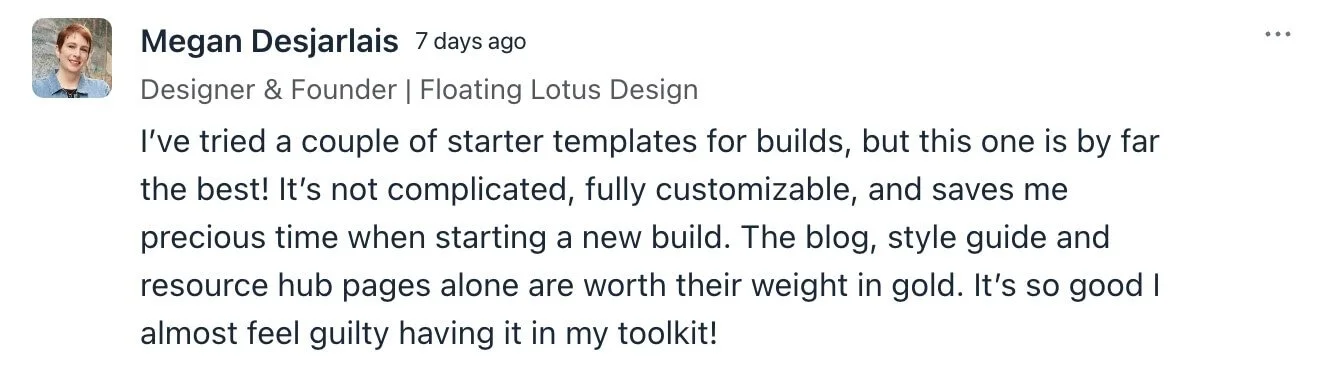
50+ DESIGNERS HAVE GOTTEN THEIR OWN COPY SO FAR!
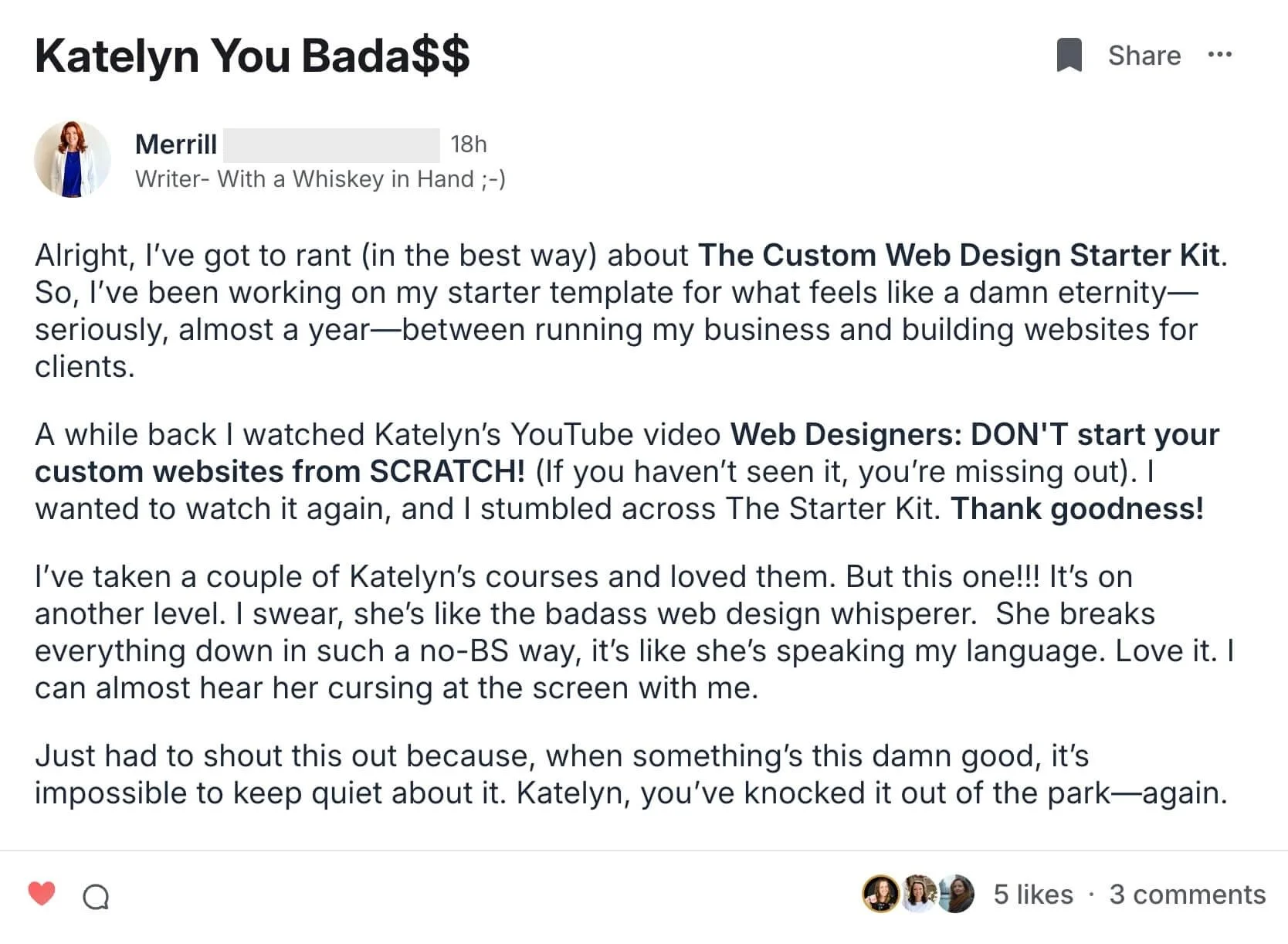
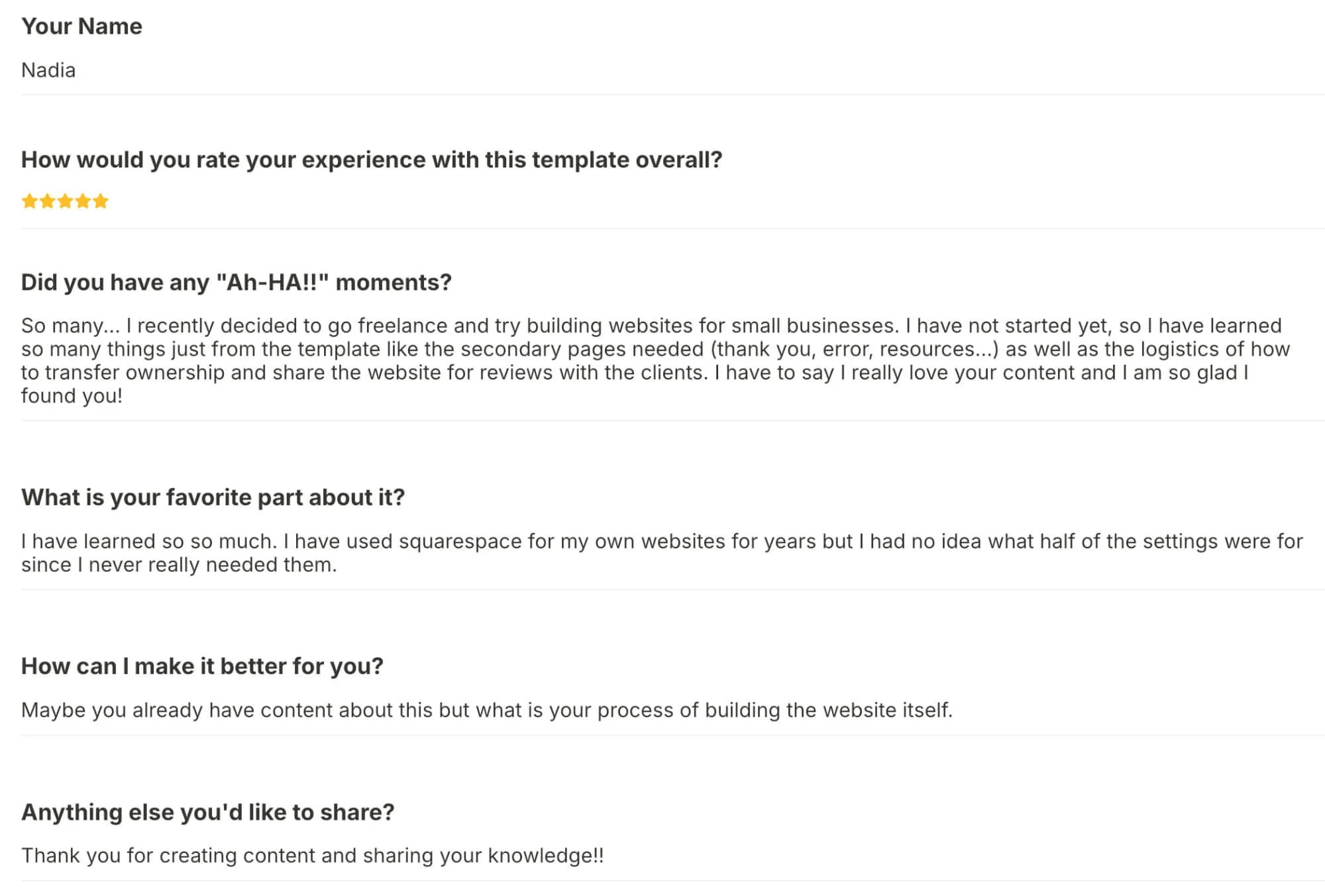
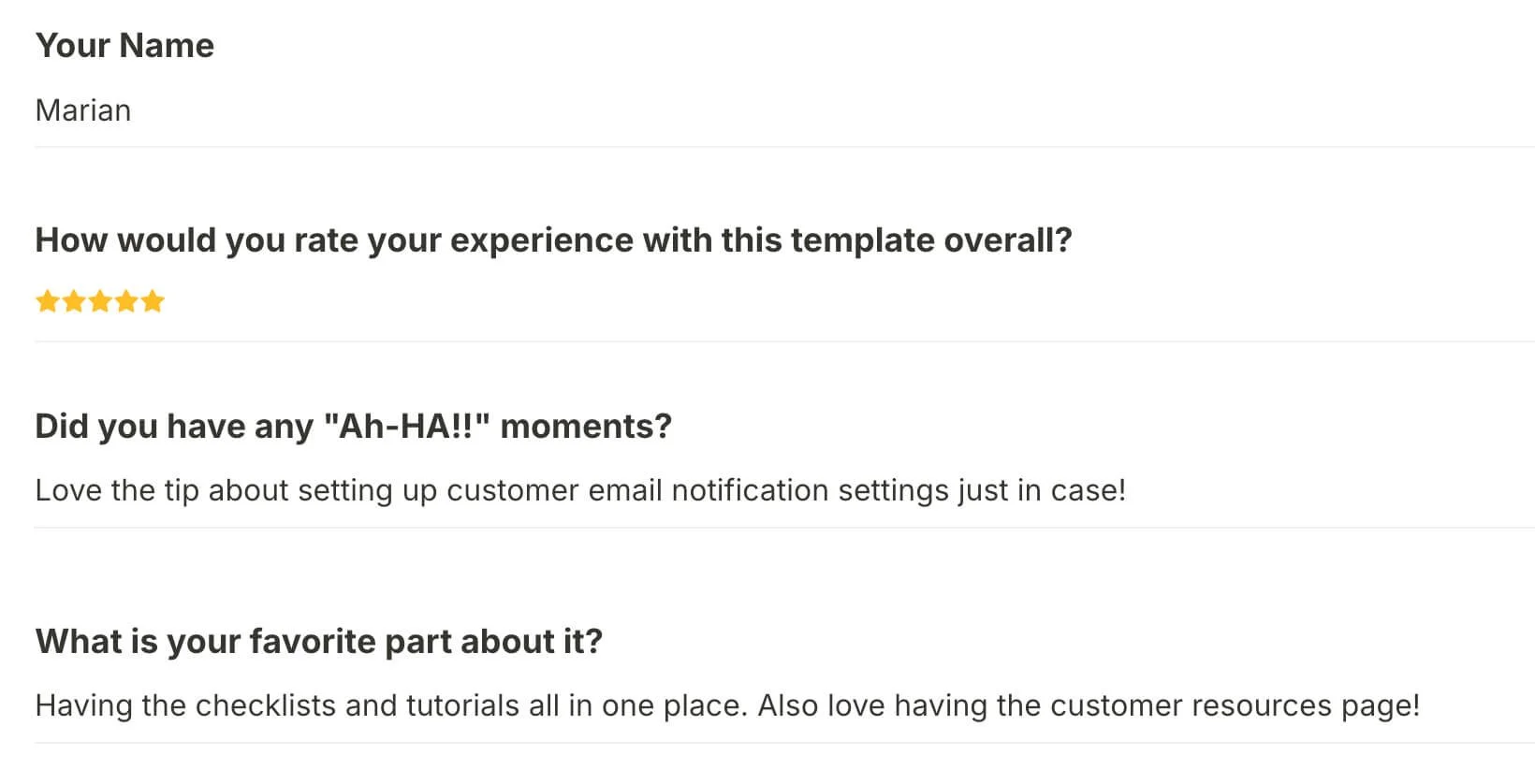
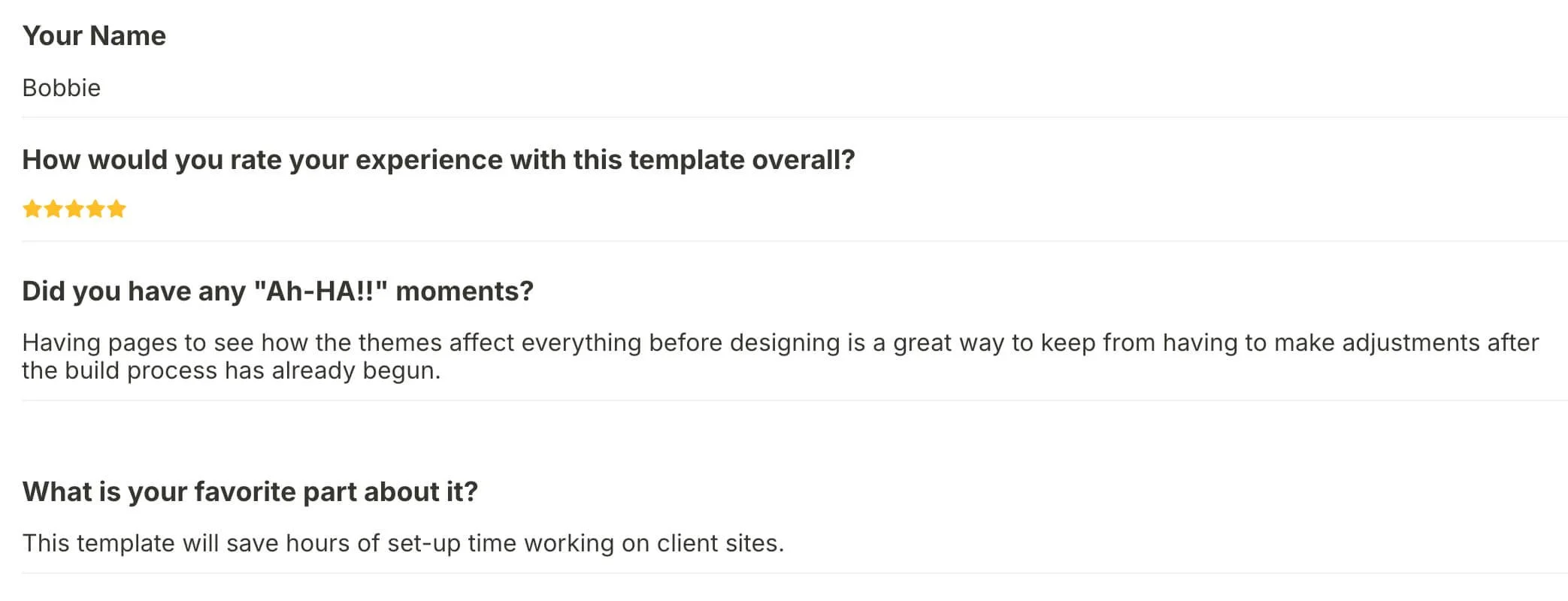
Here’s what some of those designers are saying…
What’s inside this “blank” template?
PRE-SET SITE STYLES
I love v7.1’s Color Themes, but OMFG are there are a ton to adjust. If there are certain things you always want to set a specific way, like overlay colors in specific themes or in Classic Editor blocks, site spacing or animations, you can set this up once to be duplicate-able for future projects.
❶
PRE-SET SETTINGS
Always want your SEO appearance set up a certain way, your AMP turned off in Blog Settings, or AI crawlers to be OFF but search indexing to be on? Things like this can be set inside this template, so you don’t have to pick these settings for every single project.
❷
❸
PRE-EXISTING PAGES
Always have the basic Home, About, Service, Contact, Blog, etc pages? Skip the process of adding them each time & create blanks with URLs & everything already set.
Go one step further & add your backend pages too, like the setup for the legalese, the ‘link in bio’ page, the Error 404, the basic style for accordion blocks on the FAQ page, or the form on the Contact page, –even the CSS & Code Injection you always start new websites with!
more specifically…
This is everything I have in my blank custom website template, except for the third-party code or plugins that I don’t have permission to resell.
INSIDE YOU’LL GET:
-
All pages listed below are blank except where marked, and demo content has been removed. Hidden pages have SEO indexing turned OFF so search engines will not display them in search results.
Main Navigation:
About
Services
Contact (includes basic contact form)
Blog (includes title section & pre-installed Universal Filters plugin from SquareWebsites.org)
Not Linked or Hidden pages:
Home
FAQ (includes pre-existing accordion block)
folder for collection pages:
Portfolio / Case Studies collection
‘Blog’ collection for CTA management
‘Blog’ collection for Reviews / Testimonials
could add Events &/or Shop collection page
folder for website settings & backend pages:
Private Resources (example only)
Media Kit (pre-designed basic layout)
‘Portfolio’ collection page for website legal policies
Error 404 (pre-designed basic layout)
‘Link in bio’ or Linktree page (pre-designed basic layout)
Thank you (pre-designed basic layout)
Template Style Guide (pre-designed basic layout)
sandbox
-
Section labels to organize your Custom CSS
Color Variables:
list of color hex codes to easily reference color palette in custom code
Scroll behavior:
for anchor links or jump links to display the animated scroll up/down effect when navigating to the anchor
Custom font install template:
the @font-face { } code needed to install custom fonts, includes places to add all versions of the font (.woff, .woff2, and .ttf)
custom font customizations & the class selectors for targeting
P1, P2, and P3
h1, h2, h3, h4
h1 - h4 italic
h1 - h4 bold
h1 - h4 bold italic
paragraph hyperlinks
paragraph hyperlink hover opacity
Custom Search block snippet
System Search Results page customizations:
customizing the ‘no search results’ text
add background color to emphasized search terms
Styling the comment box elements on blog posts:
width of the box itself
comment count header
sort button
‘post comment’ button
‘preview’ comment button
Header customization:
remove extra top padding if header has too much space at top
adjustment for the Header button size
hide cart icon when cart is empty
modify spacing between social links without affecting spacing between navigation links
-
Hate going through each & every option every single time? Me too! That’s why I finally decided to set it ONCE in my version of this template.
I’ll walk you through how I set it up via video tutorial, then you can customize it yourself in your copy.
-
For other things that don’t carry over with the site duplication or would need to be customized per client’s site, I’m including a checklist of ideas you can reference during your project builds for things like:
Asset Library organization - my typical folder system
URL Mappings - my favorite list of shortcuts
Hiding pages from search engine indexing
Customer Email Notifications finding & editing those purchase notifications, campaign emails, delivery emails & more.
Tips & tricks for optimizing images for faster load speeds, SEO best practices, and more efficient organization in the Asset Library
Transferring Ownership to your client when the project is done
Creating “pretty” short links for free (without Bitly, etc) in Squarespace
-
Links to my favorite third-party plugins:
add search icon to header
add breadcrumb information to category & tag pages for blog collection
Universal Filter customizations (buy your own license)
custom lightboxes
show related posts at bottom of blogs
numbered pagination vs ‘older posts’ and ‘newer posts’ on blog pages
animated count-up
table of contents for blog posts
automatic last updated date for blog posts
simple filters for Portfolio collections
and more!
These plugins add high value to the website’s functionality and I add them to many of my custom builds. I do have the business license to use them on multiple websites, but that does not allow me to ‘resell’ them to you in this template, so these will be extra purchases from those shops.
A sneak preview of everything!
You’ll want this template if…
👩💻 you design websites for clients on Squarespace
🫣 you’ve never considered templatizing your process before
🧐 you want to streamline the start of new custom projects
😩 you hate the repetitive & monotonous tasks of creating new sites
😬 you don’t have time or don’t want to do this yourself
but ya don’t need it if…
block you watched my YouTube video & prefer to DIY
block you don’t need/want to start new sites from a template
block you’re not designing websites for clients yet
block you don’t use or want to use Squarespace to build sites
block you don’t want to make your process more efficient
-
No & for a few reason:
Squarespace doesn’t have a built-in/native method for using a new template with an existing website, on their current version 7.1
This template is ONLY useful for web designers who intend to START new client website builds with this strategically set up ‘blank’ template, adding new content into it. The settings in Site Styles, the pre-structured extra pages, and pre-existing blank pages are what make starting new custom builds for clients a breeze with this template
If you already have content you want to keep, this template is not for you because it’d force you to either start over in a separate website, or use third-party designer-focused tools* (affiliate link!) to move parts of this one over to your current site.
-
Squarespace templates like mine are pre-built, then duplicated per customer, then an automation (ideally, otherwise it’s manual) sends you access to the unique invitation link for your copy.
I’ve been able to semi-automate the process but I do have to ‘stock the inventory,’ so to speak, in order for the automation to deliver your unique access link immediately after purchase (or within a few minutes).
If it’s ‘out of stock’ when you purchase and you don’t get that email with an hour, don’t worry! I’ll just have to restock, or manually send you the access link when I get back to my desk, within 1-2 business days.
-
If you want to be able to quickly copy this to your account, make some edits & start using it fast? Then yes; the easiest way to get started is to be a current designer & user of Squarespace.
That said, if you’re down with recreating this in whatever other website builder you use, that may be possible depending on the platform, and you’re welcome to use this template just for inspiration.
-
Nope! This template includes tutorials that show you a couple options for how to keep this template in your account as a free trial only, for however long you need it.
-
Not really. A few of the backend pages do have basic pre-existing layouts, but most of them will be blank with demo content removed.
That’s because, for me, the easiest way to build something truly customized to the client is to start each custom page design from scratch.
That said, you can choose to add in basic content layouts in your copy if you want!
-
The template:
For Squarespace Circle Members, free trials last 6 months and can be renewed in a couple different ways.
For non-Circle Members, free trials last two weeks, but can be extended by request.
The tutorials & checklists for how to customize & use this template don’t have a time limit for your access. You’ll have lifetime access to those & access to future updates to those materials in your student dashboard.
-
Yes, –most definitely! When the template or accompanying guides are updated, you will be notified & will get free access to whatever changes are added, even if the template price increases.
Future updates to the website template itself will not be transferrable to your copy; you’ll need to make a copy of the new version & customize it again, or recreate the new updates in your existing copy.
-
Due to the nature of digital products with immediate access, there are no refunds for this template because it's not possible for you to "return" a digitally delivered copy of the template for a refund once you've been granted access. #sorrynotsorry
If you're not sure if this template is right for you, make sure you watch the videos above where you can get a sneak peek of what it's like inside, how to use it, and read all of these FAQs if you haven’t already.